PixMiller PixMiller
ホーム / 工具 / 2027 Postgraduate Exam Photo Guide
AI画像ツール

2027 Postgraduate Exam Photo Guide

Make a JPG using a PixMiller exam-photo preset and check the linked registration instructions before you pay. Some systems require an app photo or their own photo tool; a preset file is not an approval guarantee. Paid photos get one free redo within 30 days.

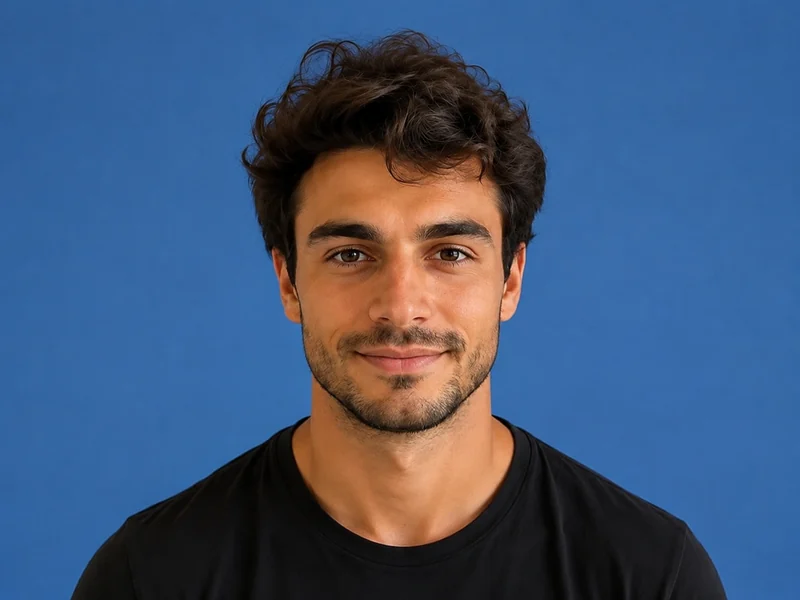
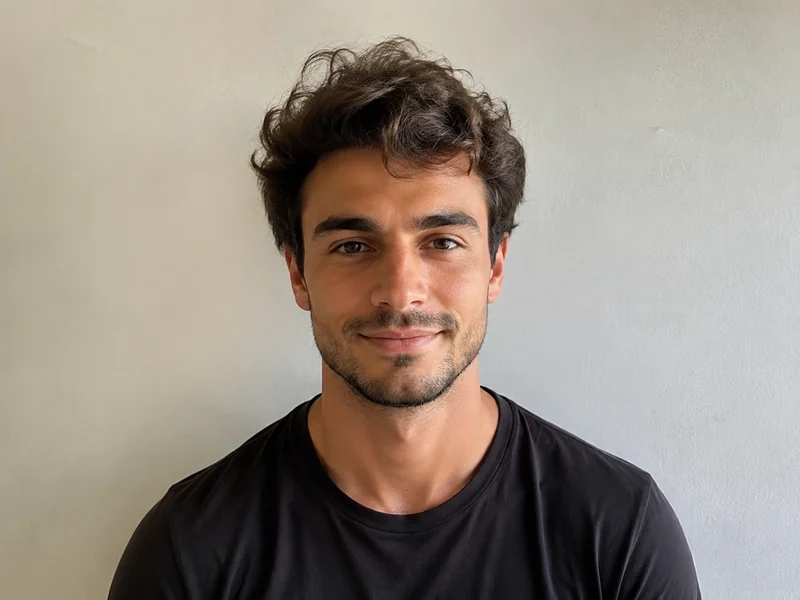
処理後のサンプル画像
処理前のサンプル画像
ビフォー アフター
PixMiller output preset and official guidance
Exam Pixels File size 背景 形式
大学院入試 2027 postgraduate registration photo notice ↗ For 2027 registration, take and upload the photo in the Xuexin app. A prepared JPG is not the registration photo; 480 × 640 pixels is only a PixMiller preset. 480 × 640 — 白 JPG

The dimensions shown are PixMiller output presets. Follow the linked current registration instructions; some systems require in-app capture or their own photo tool.

仕組み

1 画像をアップロード ドラッグ&ドロップまたはファイルを選択 — JPG / PNG / WebP 最大20MB。
2 AIが自動処理 AIが数秒で画像を自動処理します。
3 結果をダウンロード 無料でプレビュー;完成した高品質な画像をダウンロード。
高速な結果 数時間ではなく数秒で公開可能な画像を取得。
スタジオ品質 クリーンなエッジと自然なディテール——手動修正不要。
プライバシーとセキュリティ 256ビットSSL。画像は3日以内に自動削除。

よくある質問

Can I upload a prepared JPG for the 2027 postgraduate exam?

The official 2027 registration notice says to take and upload the photo in the Xuexin app. You do not need a prepared registration JPG. Use a white shooting background and follow the app's live guidance.

What size and file size does the registration site require?

The table shows PixMiller's output preset, including any size cap it applies. That is not necessarily the registration system's rule. Check the linked current instructions for minimum dimensions, background, file size and upload method.

What if the registration site rejects my photo?

Redo it free. Any ID photo you paid for can be re-made once within 30 days — same spec or a different one — from the result page or your task centre. No ticket, no review.

生成した画像は商用利用できますか?

はい。結果の権利を所有し、ECリスティング、広告キャンペーン、ソーシャルメディアで自由に使用できます。

こちらもおすすめ

処理後のサンプル画像
処理前のサンプル画像
ビフォー アフター
今すぐ試す
証明写真メーカー 標準サイズと背景色をすぐ利用可能
処理後のサンプル画像
処理前のサンプル画像
ビフォー アフター
今すぐ試す
背景透過・削除 注目 ワンクリック背景除去——透過PNG
処理後のサンプル画像
処理前のサンプル画像
ビフォー アフター
今すぐ試す
オブジェクト消し 通行人、雑物、不要な物体をサッと消去
今日から PixMiller を使い始めましょう 無料で始める