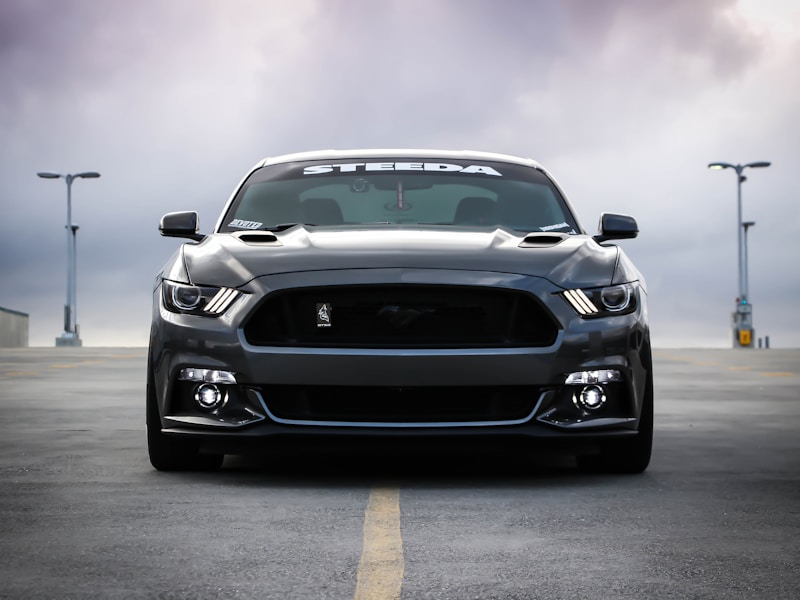
Car on showroom floor

For auto dealers

Make every car on your lot look like it was shot in a studio

Your sales team snaps photos with their phones between test drives. Rainy pavement, other cars in the background, weird reflections — PixMiller strips all of it. You get a clean vehicle cutout on whatever background your brand uses, in seconds instead of waiting for the photo team.

palette

Same background for every car

White, your brand gradient, or a studio backdrop — every vehicle in your inventory sits on the same clean background. Doesn't matter if the photo was taken in the rain or under fluorescent service-bay lights.

bolt

Process a whole trade-in batch

Upload 50 photos from today's trade-ins, get 50 listing-ready images back. New cars go live on your site the same day they hit the lot.

verified

Mirrors, antennas, roof racks — all preserved

The edge detection knows what a car looks like. Alloy wheels, side mirrors, bike racks, even dangling antennas come through clean instead of getting clipped off.

Three steps, one clean photo

  1. 1

    Upload

    Drag in photos from your phone, DMS, or camera — JPG, PNG, WebP, and HEIC all work.

  2. 2

    Remove background

    PixMiller strips the background and applies your preferred backdrop — white, transparent, or a custom color.

  3. 3

    Download listing-ready images

    Grab them one by one or as a zip. Download links expire after 60 minutes.

Start cleaning up photos

Questions from the dealership floor

Our lot photos are taken with phones. Will those work?
That's how most dealerships do it. iPhone HEIC, Android JPG, whatever — upload directly, no conversion needed. Pro tip: have your team shoot from roughly the same angle and distance for the most consistent-looking inventory.
What about side mirrors and antennas? Won't those get clipped?
As long as the car fills most of the frame, the model keeps protruding details intact — mirrors, antennas, roof racks, even aftermarket spoilers. It's trained on vehicle shapes, not generic objects.
We have a branded background for our dealership. Can we use that?
You get a transparent PNG after removal — drop it onto your branded backdrop in any image editor, your DMS, or even PowerPoint. Some dealers create a branded template once and reuse it across their whole inventory.