PixMiller PixMiller
Accueil / Outils / Teacher Certification Photo Preset
Outil d'image IA

Teacher Certification Photo Preset

Make a JPG using a PixMiller exam-photo preset and check the linked registration instructions before you pay. Some systems require an app photo or their own photo tool; a preset file is not an approval guarantee. Paid photos get one free redo within 30 days.

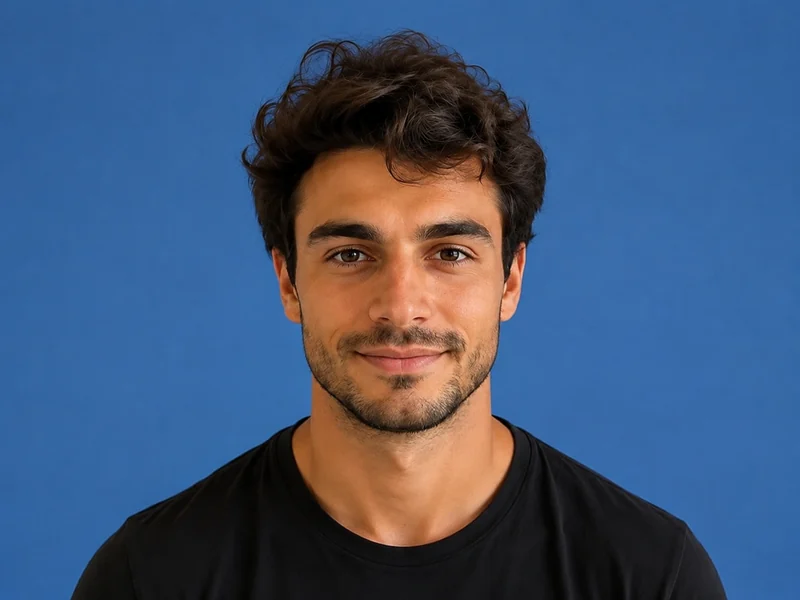
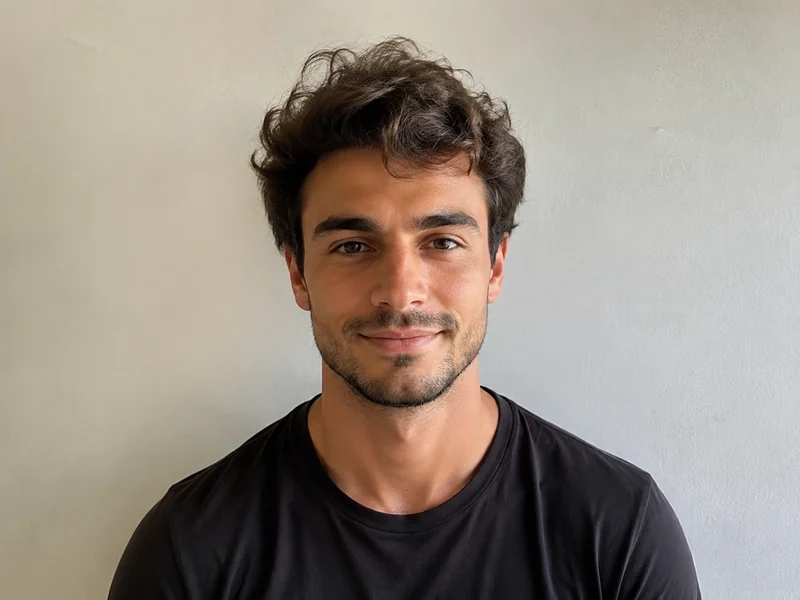
Image d'exemple après
Image d'exemple avant
Avant Après
PixMiller output preset and official guidance
Exam Pixels File size Fond Format
Certification d'enseignant NTCE registration instructions ↗ NTCE requires a white-background JPG/JPEG no larger than 200 KB; 390 × 567 pixels is a PixMiller output preset, not a nationwide pixel rule. 390 × 567 ≤ 200 KB Blanc JPG

The dimensions shown are PixMiller output presets. Follow the linked current registration instructions; some systems require in-app capture or their own photo tool.

Comment ça marche

1 Téléversez votre image Glissez-déposez ou choisissez un fichier — JPG / PNG / WebP jusqu'à 20 Mo.
2 L'IA fait le travail Notre IA traite votre image automatiquement en quelques secondes seulement.
3 Télécharger le résultat Aperçu gratuit ; téléchargez l'image finie de haute qualité.
Résultats rapides Obtenez des images prêtes à publier en quelques secondes, pas en heures.
Qualité studio Contours nets et détails naturels — aucune retouche manuelle nécessaire.
Privé et sécurisé SSL 256 bits ; suppression automatique des images sous 3 jours.

Questions fréquemment posées

What size and file size does the registration site require?

The table shows PixMiller's output preset, including any size cap it applies. That is not necessarily the registration system's rule. Check the linked current instructions for minimum dimensions, background, file size and upload method.

What if the registration site rejects my photo?

Redo it free. Any ID photo you paid for can be re-made once within 30 days — same spec or a different one — from the result page or your task centre. No ticket, no review.

Do I need a white wall to take the photo?

No. Upload a normal front-facing photo and PixMiller cuts you out and puts you on the plain white background exam registration asks for, then crops to the exact pixels.

Puis-je utiliser les résultats à des fins commerciales ?

Oui. Vous possédez les droits sur les résultats et pouvez les utiliser librement pour les fiches e-commerce, les campagnes publicitaires et les réseaux sociaux.

Vous pourriez aussi avoir besoin de

Image d'exemple après
Image d'exemple avant
Avant Après
Essayer maintenant
Créateur de photos d'identité Tailles standard et couleurs de fond, prêtes à l'emploi
Image d'exemple après
Image d'exemple avant
Avant Après
Essayer maintenant
Suppression d'arrière-plan Tendance Suppression d'arrière-plan en un clic — PNG transparent
Image d'exemple après
Image d'exemple avant
Avant Après
Essayer maintenant
Styliseur de portraits Transformez vos photos en anime, peinture à l'huile, 3D
Commencez à utiliser PixMiller aujourd'hui Démarrer gratuitement