PixMiller PixMiller
Início / Ferramentas / Teacher Certification Photo Preset
Ferramenta de imagem IA

Teacher Certification Photo Preset

Make a JPG using a PixMiller exam-photo preset and check the linked registration instructions before you pay. Some systems require an app photo or their own photo tool; a preset file is not an approval guarantee. Paid photos get one free redo within 30 days.

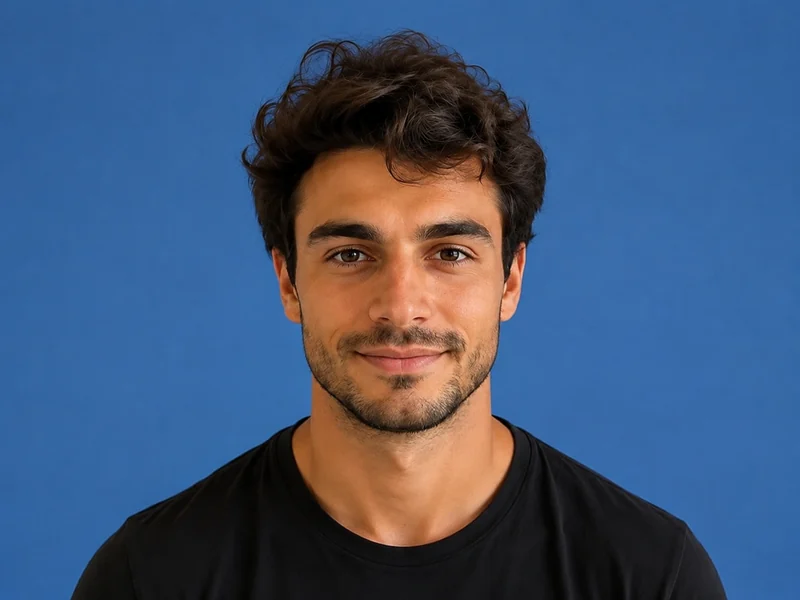
Imagem de exemplo — depois
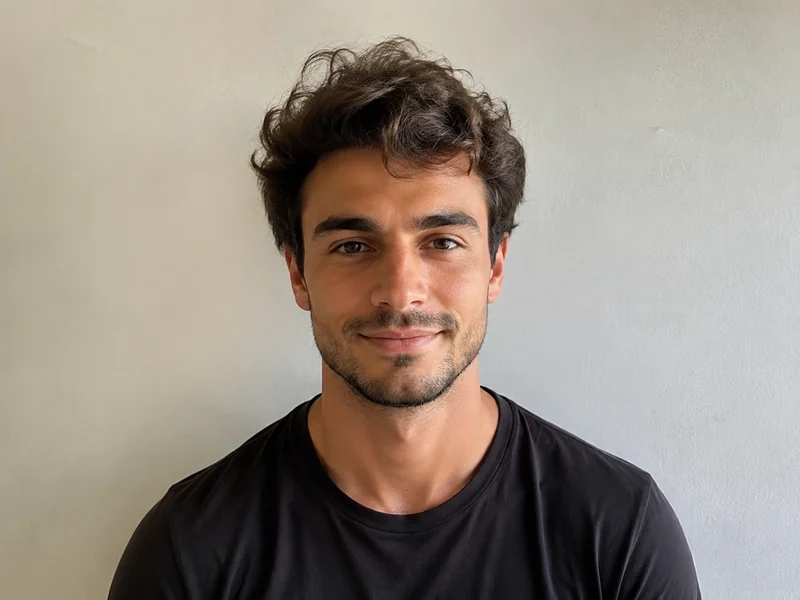
Imagem de exemplo — antes
Antes Depois
PixMiller output preset and official guidance
Exam Pixels File size Fundo Formato
Certificação docente NTCE registration instructions ↗ NTCE requires a white-background JPG/JPEG no larger than 200 KB; 390 × 567 pixels is a PixMiller output preset, not a nationwide pixel rule. 390 × 567 ≤ 200 KB Branco JPG

The dimensions shown are PixMiller output presets. Follow the linked current registration instructions; some systems require in-app capture or their own photo tool.

Como funciona

1 Envie sua imagem Arraste e solte ou escolha um arquivo — JPG / PNG / WebP até 20MB.
2 A IA faz o trabalho Nossa IA processa sua imagem automaticamente em apenas alguns segundos.
3 Baixar o resultado Visualize gratuitamente; baixe a imagem finalizada em alta qualidade.
Resultados rápidos Obtenha imagens prontas para publicar em segundos, não em horas.
Qualidade de estúdio Bordas limpas e detalhes naturais — sem necessidade de ajustes manuais.
Privado e seguro SSL de 256 bits; imagens excluídas automaticamente em até 3 dias.

Perguntas frequentes

What size and file size does the registration site require?

The table shows PixMiller's output preset, including any size cap it applies. That is not necessarily the registration system's rule. Check the linked current instructions for minimum dimensions, background, file size and upload method.

What if the registration site rejects my photo?

Redo it free. Any ID photo you paid for can be re-made once within 30 days — same spec or a different one — from the result page or your task centre. No ticket, no review.

Do I need a white wall to take the photo?

No. Upload a normal front-facing photo and PixMiller cuts you out and puts you on the plain white background exam registration asks for, then crops to the exact pixels.

Posso usar os resultados comercialmente?

Sim. Você possui os direitos dos resultados e pode usá-los livremente para listagens e-commerce, campanhas publicitárias e redes sociais.

Você também pode precisar de

Imagem de exemplo — depois
Imagem de exemplo — antes
Antes Depois
Experimente agora
Criador de fotos de documento Tamanhos padrão e cores de fundo, prontos para usar
Imagem de exemplo — depois
Imagem de exemplo — antes
Antes Depois
Experimente agora
Remover fundo Popular Remoção de fundo em um clique — PNG transparente
Imagem de exemplo — depois
Imagem de exemplo — antes
Antes Depois
Experimente agora
Estilizador de retratos Transforme fotos em anime, pintura a óleo, 3D
Comece a usar o PixMiller hoje! Comece grátis