使用 PixMiller 的考試照片預設製作 JPG,付款前請查看連結中的報名說明。部分報名系統要求在 App 內拍照或使用官方照片處理工具;預設檔案不保證通過審核。已付費照片可在 30 天內免費重做一次。
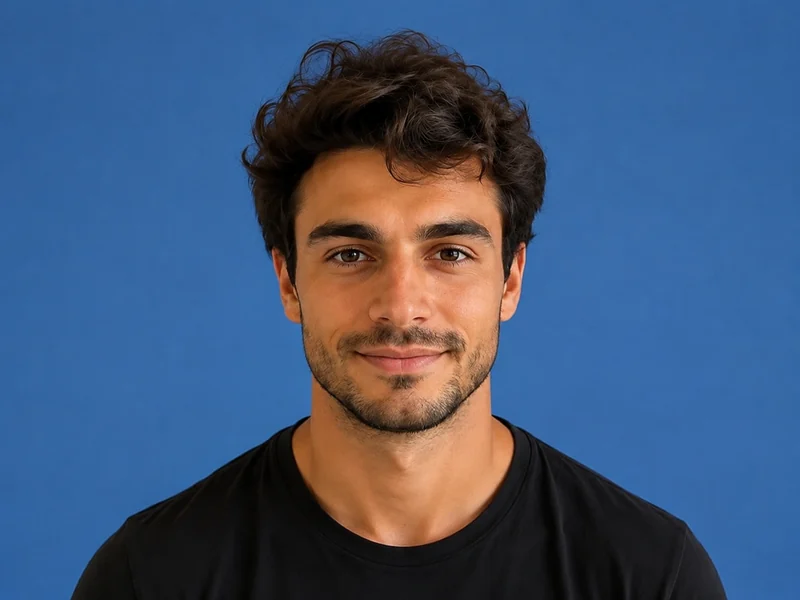
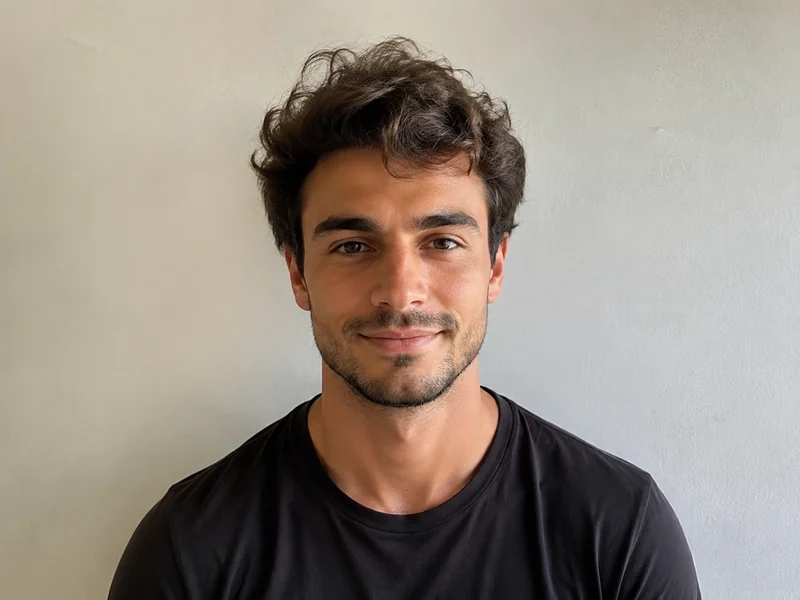
| Exam | Pixels | File size | 背景 | 格式 |
|---|---|---|---|---|
| 教師資格認證 教資報名說明 ↗ 教資要求白底 JPG/JPEG、檔案不大於 200 KB;390 × 567 像素是 PixMiller 輸出預設,並非全國統一像素要求。 | 390 × 567 | ≤ 200 KB | 白色 | JPG |
所示尺寸為 PixMiller 輸出預設。請遵循連結中的當年報名說明;部分系統要求在 App 內拍照或使用官方照片處理工具。
表格列出 PixMiller 的輸出預設及其採用的檔案大小上限,但這不一定是報名系統的要求。請查看連結中的當年說明,核對最低像素、背景、檔案大小和上傳方式。
Redo it free. Any ID photo you paid for can be re-made once within 30 days — same spec or a different one — from the result page or your task centre. No ticket, no review.
No. Upload a normal front-facing photo and PixMiller cuts you out and puts you on the plain white background exam registration asks for, then crops to the exact pixels.
是的。您擁有結果的權利,可以自由用於電商商品圖、廣告活動和社交媒體。
您確定要登出嗎?