Existing customer? Sign In
Upload a photo, paint over anything you want gone — people, objects, text — and AI erases it and fills in the background automatically.
This is the only tool that requires painting — brush marks what to remove.
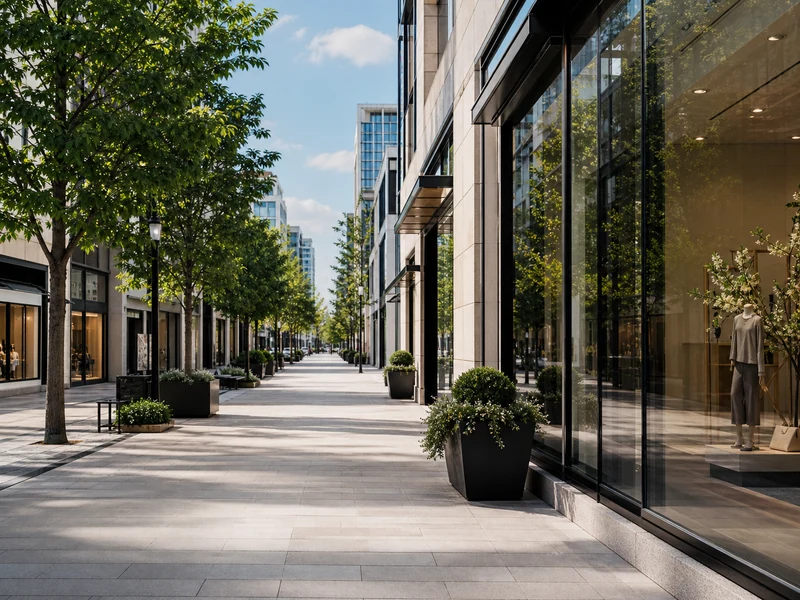
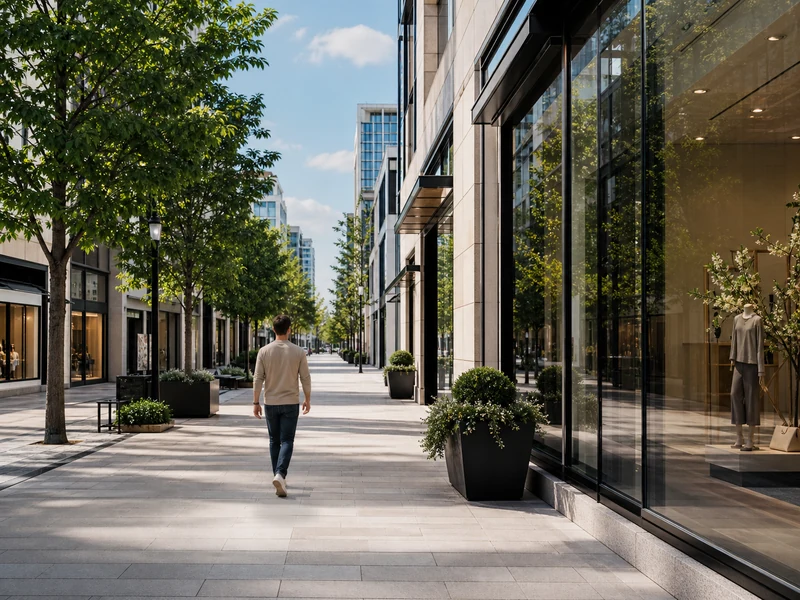
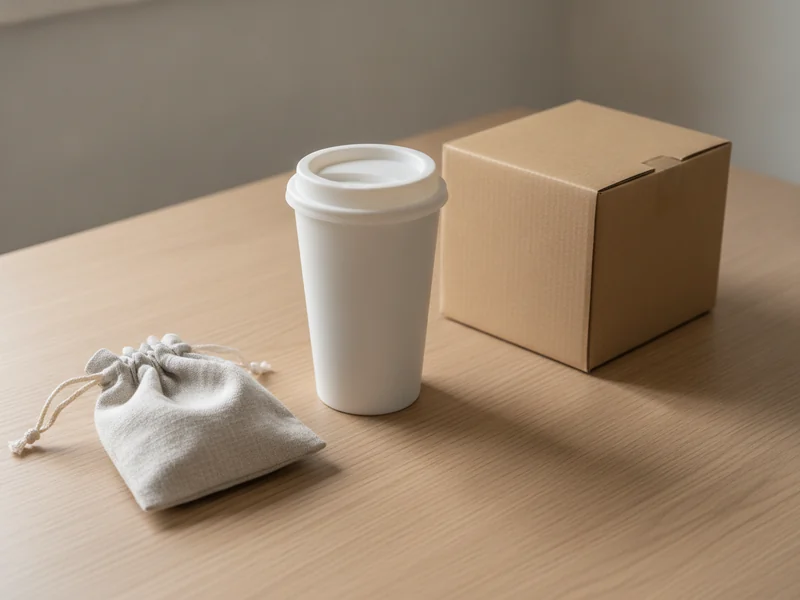
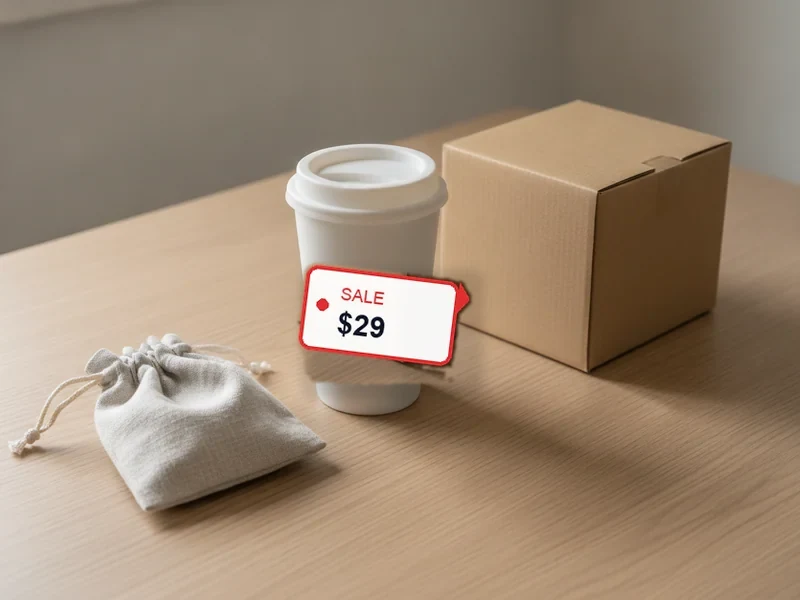
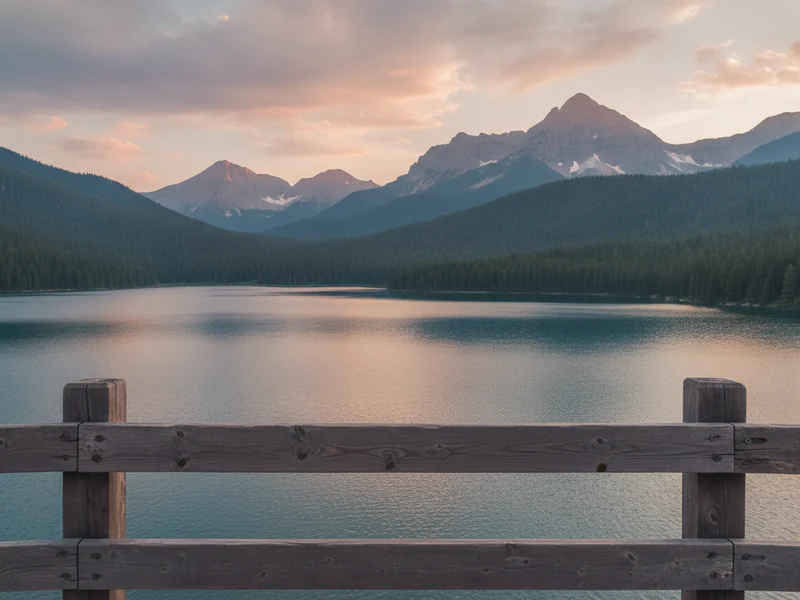
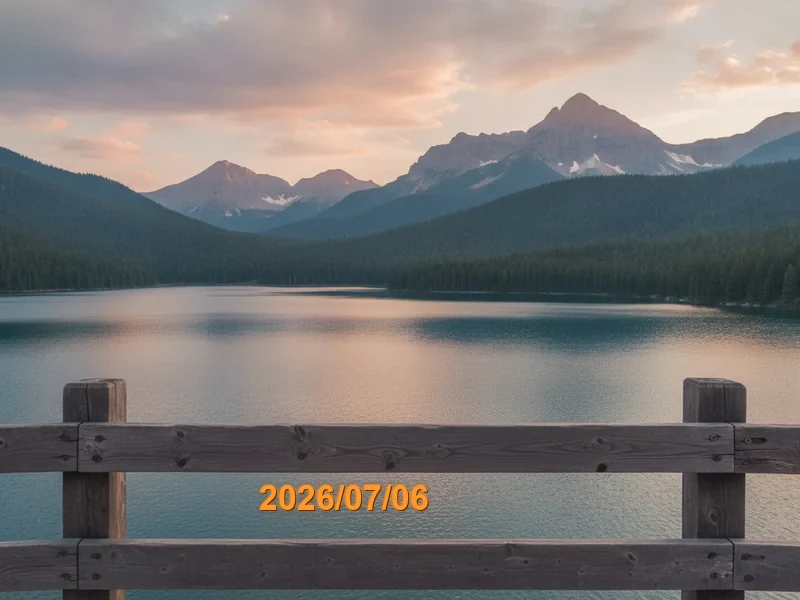
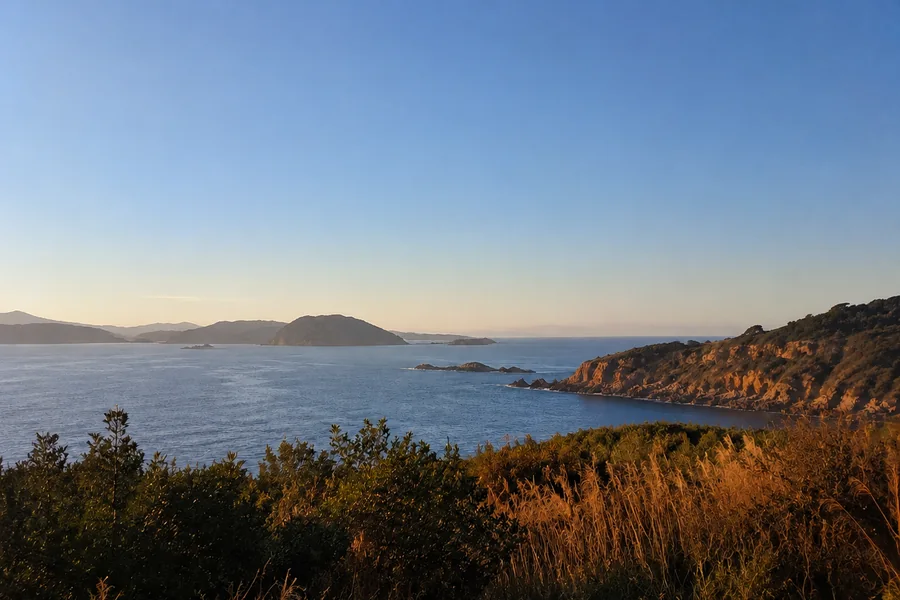
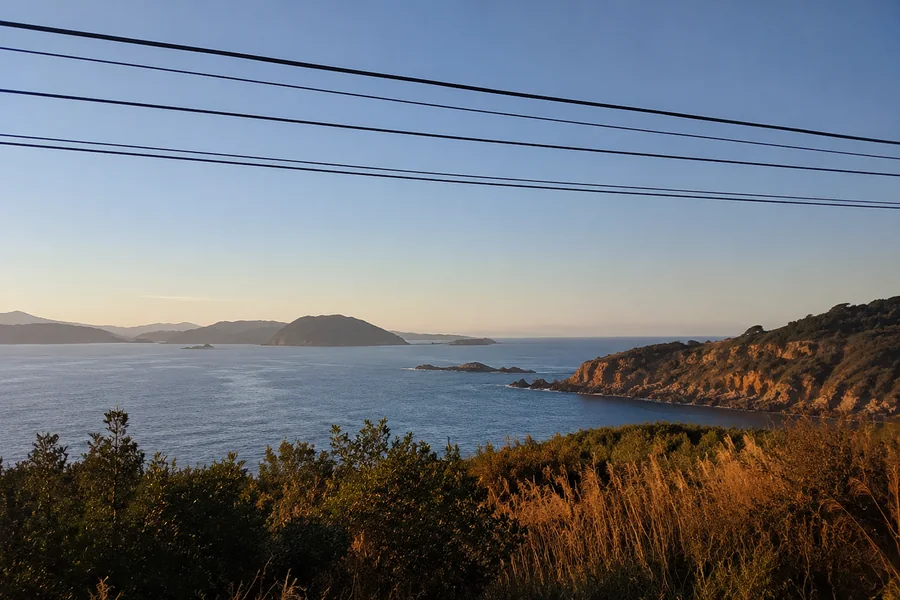
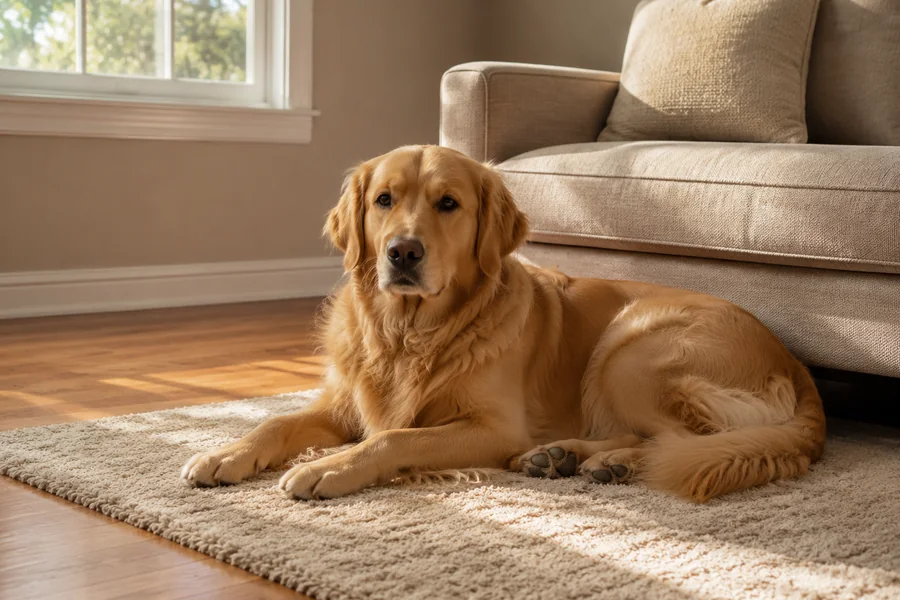
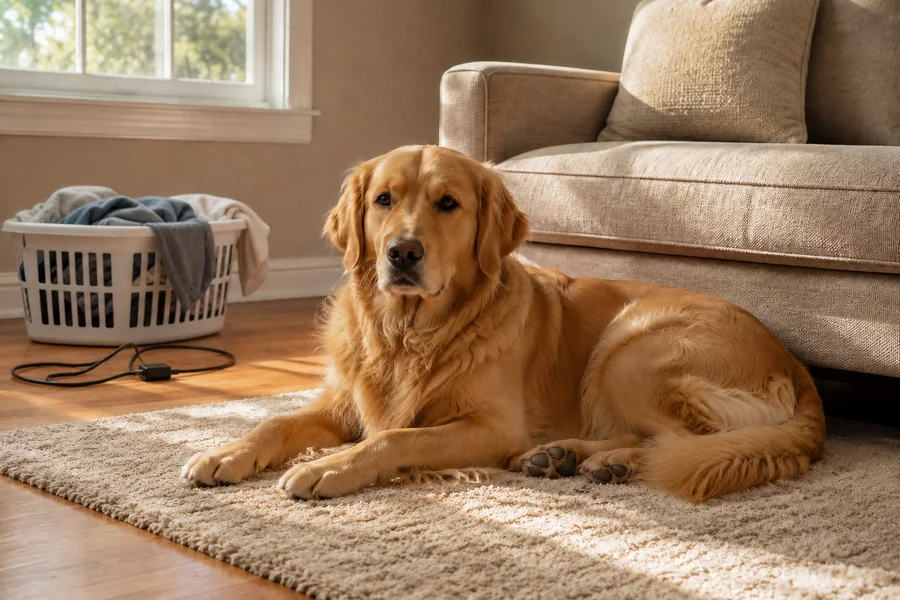
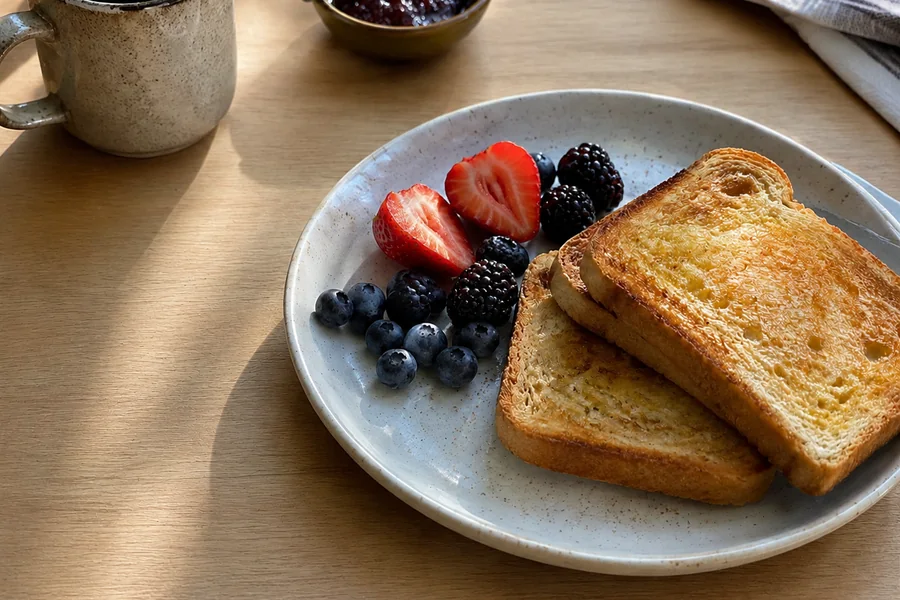
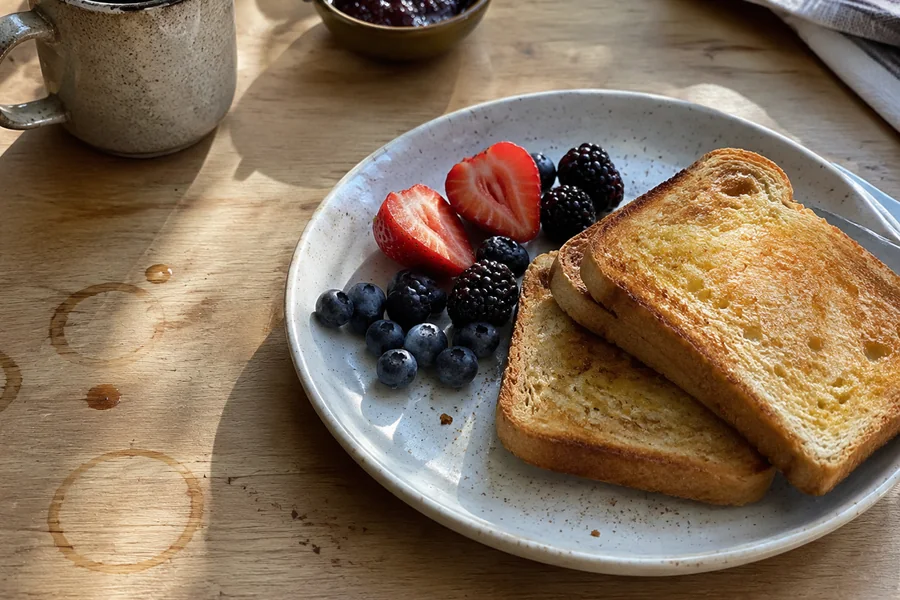
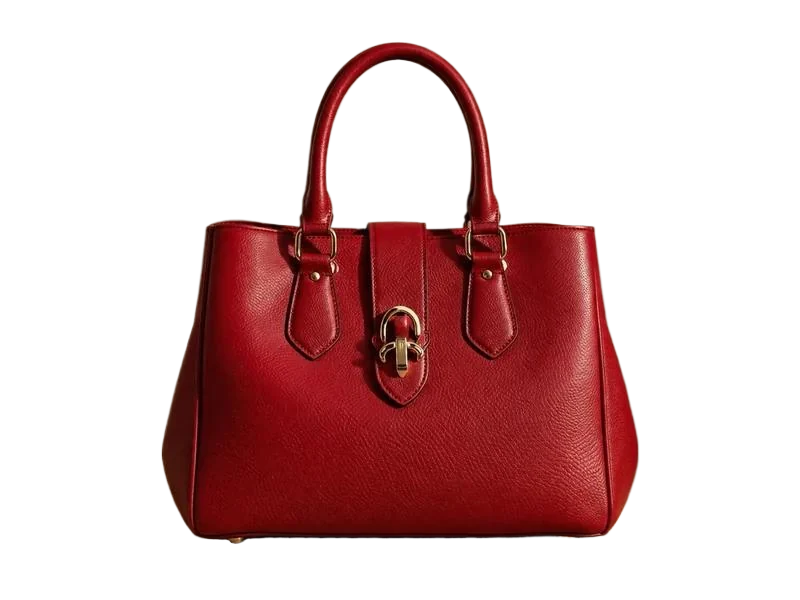
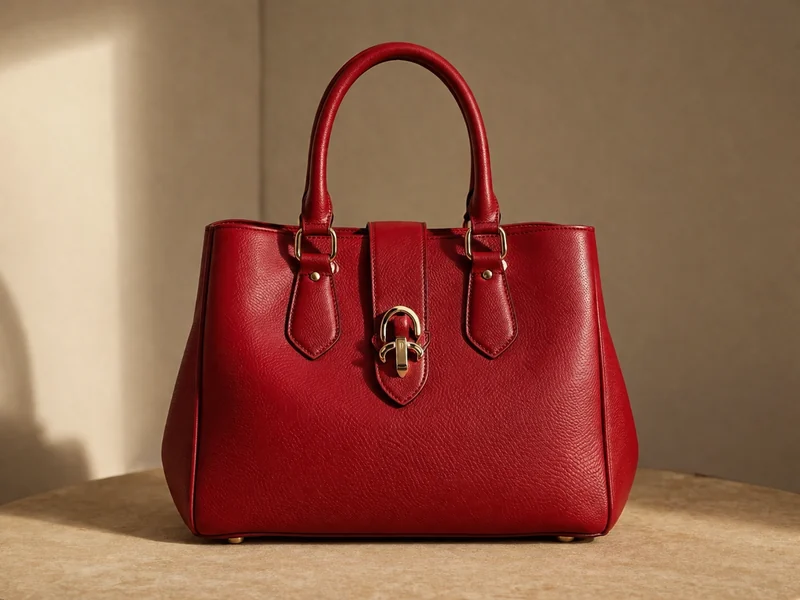
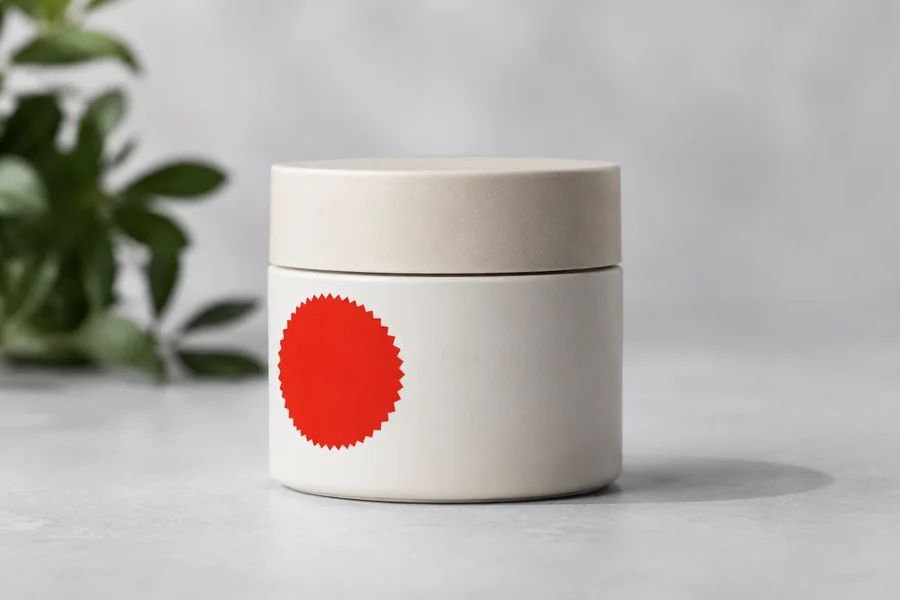
Beyond passersby, price tags and watermarks — power lines in the sky, clutter in the background, stickers on a product, stains on the table: the same brush wipes them all. Hover a card to see before and after.
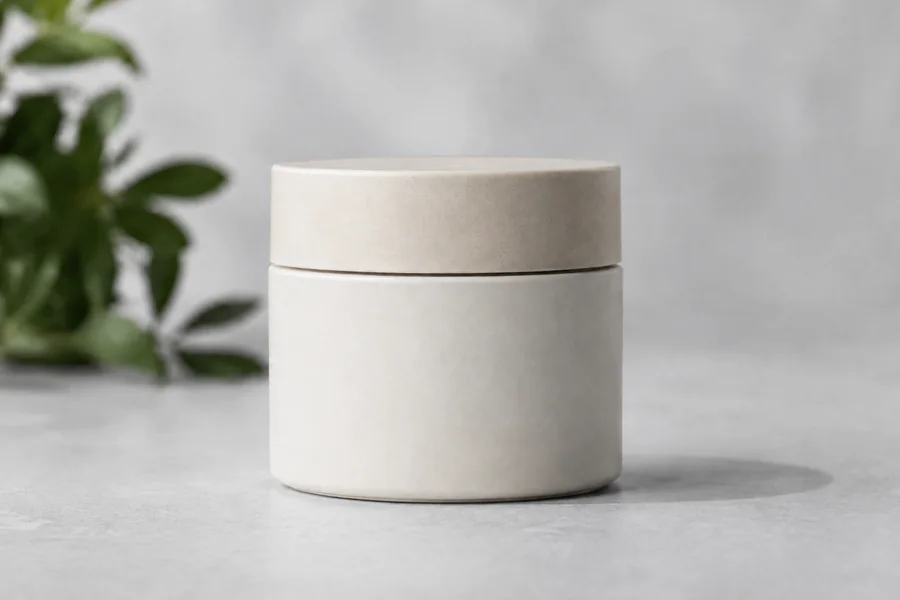
Remove price tags, stickers, or unwanted props from product shots before listing — no reshooting needed.
Brush out strangers who walked into your landmark photo and get the clean scenic shot you wanted.
Remove timestamps, small logos, distracting objects or text overlays from any personal or work photo in seconds.
After uploading, paint over the area you want removed using the brush on the left canvas. Cover the entire object — the AI uses your painted region as the target. This is the only tool on PixMiller that requires painting, so be sure to mark the area before clicking Erase.
In most cases, yes — the AI reconstructs the background by analyzing the surrounding texture and color. Uniform or naturally repeating backgrounds (walls, sky, grass) work best. Complex or highly detailed backgrounds may leave a subtle patch.
Files up to 20 MB are supported (JPG, PNG, WebP, HEIC). Your image is never downscaled — the erased result keeps the original resolution. Very large photos simply take a little longer to process.
Yes — the AI handles most common scenes. On very busy or irregular backgrounds (crowded street, dense foliage) the fill may not be perfect; try erasing in smaller sections or touching up the edges with a second erase click.
Are you sure you want to sign out?