PixMiller PixMiller
Home / Strumenti / Teacher Certification Photo Preset
Strumento immagine AI

Teacher Certification Photo Preset

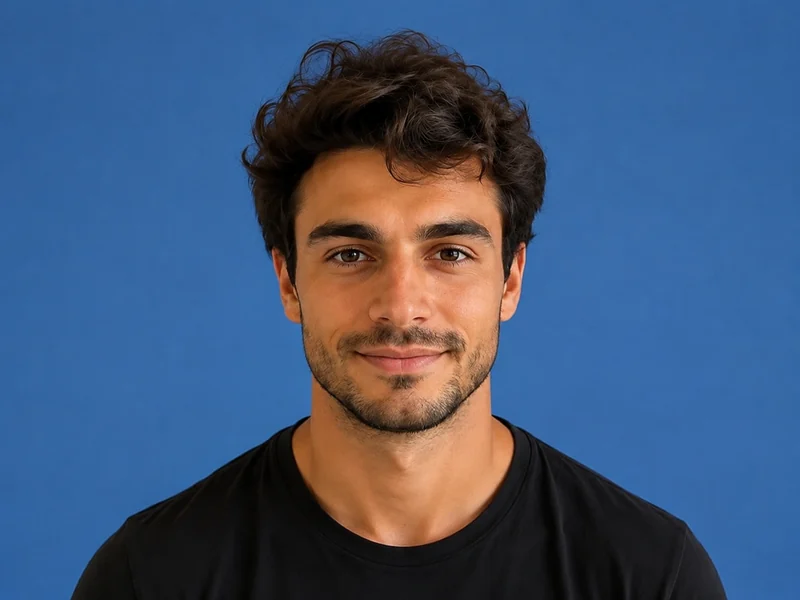
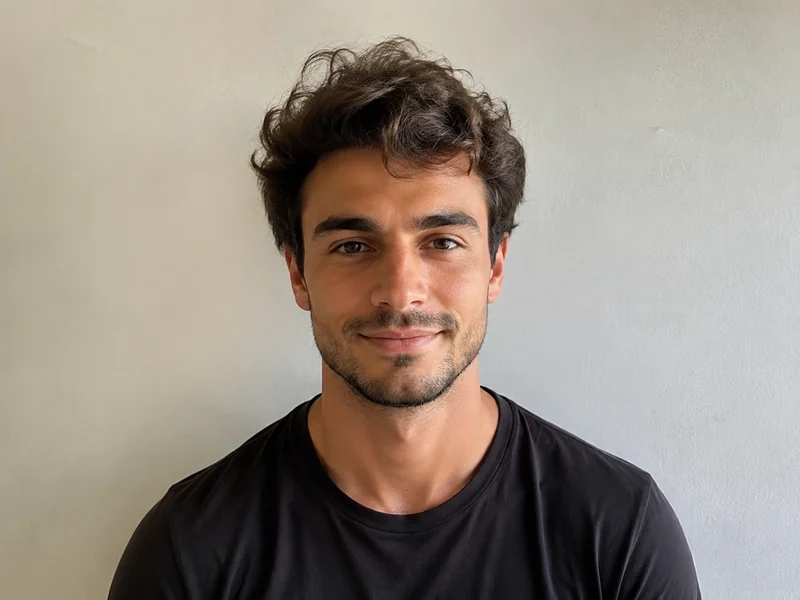
Make a JPG using a PixMiller exam-photo preset and check the linked registration instructions before you pay. Some systems require an app photo or their own photo tool; a preset file is not an approval guarantee. Paid photos get one free redo within 30 days.

Immagine di esempio dopo
Immagine di esempio prima
Prima Dopo
PixMiller output preset and official guidance
Exam Pixels File size Sfondo Formato
Certificazione insegnanti NTCE registration instructions ↗ NTCE requires a white-background JPG/JPEG no larger than 200 KB; 390 × 567 pixels is a PixMiller output preset, not a nationwide pixel rule. 390 × 567 ≤ 200 KB Bianco JPG

The dimensions shown are PixMiller output presets. Follow the linked current registration instructions; some systems require in-app capture or their own photo tool.

Come funziona

1 Carica la tua immagine Trascina e rilascia o scegli un file — JPG / PNG / WebP fino a 20MB.
2 L'AI fa il lavoro La nostra IA elabora la tua immagine automaticamente in pochi secondi.
3 Scarica il risultato Anteprima gratuita; scarica l'immagine finita di alta qualità.
Risultati veloci Ottieni immagini pronte per la pubblicazione in secondi, non ore.
Qualità da studio Bordi puliti e dettagli naturali — nessun ritocco manuale necessario.
Privato e sicuro SSL a 256 bit; le immagini vengono eliminate automaticamente entro 3 giorni.

Domande frequenti

What size and file size does the registration site require?

The table shows PixMiller's output preset, including any size cap it applies. That is not necessarily the registration system's rule. Check the linked current instructions for minimum dimensions, background, file size and upload method.

What if the registration site rejects my photo?

Redo it free. Any ID photo you paid for can be re-made once within 30 days — same spec or a different one — from the result page or your task centre. No ticket, no review.

Do I need a white wall to take the photo?

No. Upload a normal front-facing photo and PixMiller cuts you out and puts you on the plain white background exam registration asks for, then crops to the exact pixels.

Posso usare i risultati commercialmente?

Sì. Possiedi i diritti sui risultati e puoi usarli liberamente per listing e-commerce, campagne pubblicitarie e social media.

Potrebbe servirti anche

Immagine di esempio dopo
Immagine di esempio prima
Prima Dopo
Prova ora
Creatore foto documento Formati standard e colori di sfondo, pronti all'uso
Immagine di esempio dopo
Immagine di esempio prima
Prima Dopo
Prova ora
Rimuovi sfondo Popolare Rimozione sfondo in un clic — PNG trasparente
Immagine di esempio dopo
Immagine di esempio prima
Prima Dopo
Prova ora
Stilizzatore ritratti Trasforma le foto in anime, dipinto a olio, 3D
Inizia a usare PixMiller oggi! Inizia gratis