PixMiller PixMiller
Startseite / Tools / Teacher Certification Photo Preset
KI-Bildwerkzeug

Teacher Certification Photo Preset

Make a JPG using a PixMiller exam-photo preset and check the linked registration instructions before you pay. Some systems require an app photo or their own photo tool; a preset file is not an approval guarantee. Paid photos get one free redo within 30 days.

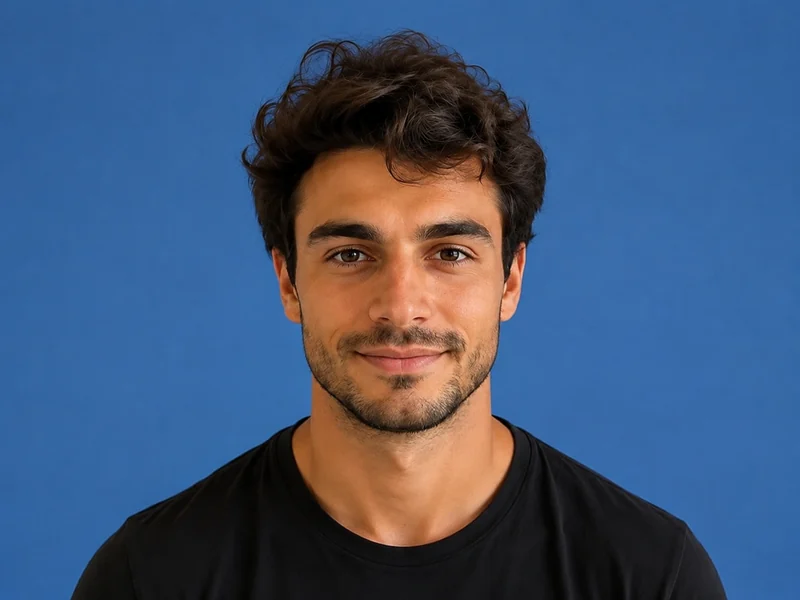
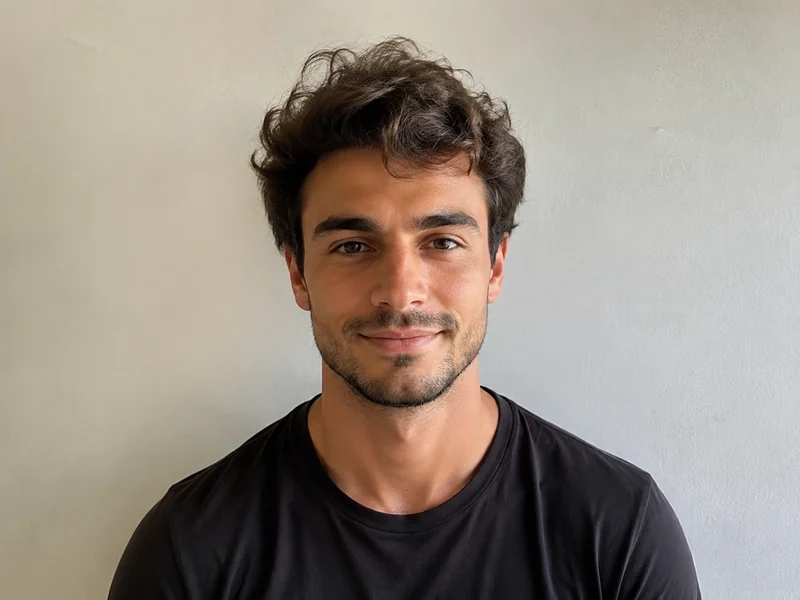
Nachher-Beispielbild
Vorher-Beispielbild
Vorher Nachher
PixMiller output preset and official guidance
Exam Pixels File size Hintergrund Format
Lehrerzertifizierung NTCE registration instructions ↗ NTCE requires a white-background JPG/JPEG no larger than 200 KB; 390 × 567 pixels is a PixMiller output preset, not a nationwide pixel rule. 390 × 567 ≤ 200 KB Weiß JPG

The dimensions shown are PixMiller output presets. Follow the linked current registration instructions; some systems require in-app capture or their own photo tool.

So funktioniert es

1 Bild hochladen Drag & Drop oder Datei wählen — JPG / PNG / WebP bis zu 20 MB.
2 KI erledigt die Arbeit Unsere KI verarbeitet Ihr Bild automatisch in nur wenigen Sekunden.
3 Ergebnis herunterladen Kostenlos vorschauen; das fertige, hochwertige Bild herunterladen.
Schnelle Ergebnisse Erhalten Sie veröffentlichungsfertige Bilder in Sekunden, nicht Stunden.
Studioqualität Saubere Kanten und natürliche Details — keine manuelle Nachbearbeitung erforderlich.
Privat & sicher 256-Bit-SSL; Bilder werden innerhalb von 3 Tagen automatisch gelöscht.

Häufig gestellte Fragen

What size and file size does the registration site require?

The table shows PixMiller's output preset, including any size cap it applies. That is not necessarily the registration system's rule. Check the linked current instructions for minimum dimensions, background, file size and upload method.

What if the registration site rejects my photo?

Redo it free. Any ID photo you paid for can be re-made once within 30 days — same spec or a different one — from the result page or your task centre. No ticket, no review.

Do I need a white wall to take the photo?

No. Upload a normal front-facing photo and PixMiller cuts you out and puts you on the plain white background exam registration asks for, then crops to the exact pixels.

Kann ich die Ergebnisse kommerziell nutzen?

Ja. Sie besitzen die Rechte an den Ergebnissen und können sie frei für E-Commerce-Listings, Werbekampagnen und soziale Medien verwenden.

Das könnte Sie auch interessieren

Nachher-Beispielbild
Vorher-Beispielbild
Vorher Nachher
Jetzt testen
Ausweisfoto-Ersteller Standardgrößen und Hintergrundfarben, sofort einsatzbereit
Nachher-Beispielbild
Vorher-Beispielbild
Vorher Nachher
Jetzt testen
Hintergrund entfernen Beliebt Ein-Klick-Hintergrundentfernung — transparentes PNG
Nachher-Beispielbild
Vorher-Beispielbild
Vorher Nachher
Jetzt testen
Portrait-Stilisierer Fotos in Anime, Ölgemälde oder 3D verwandeln
Starten Sie noch heute mit PixMiller Kostenlos starten