Frequently Asked Questions
Answers for sellers comparing AI product photography tools, workflows, and ecommerce use cases.
- What is AI product photography?
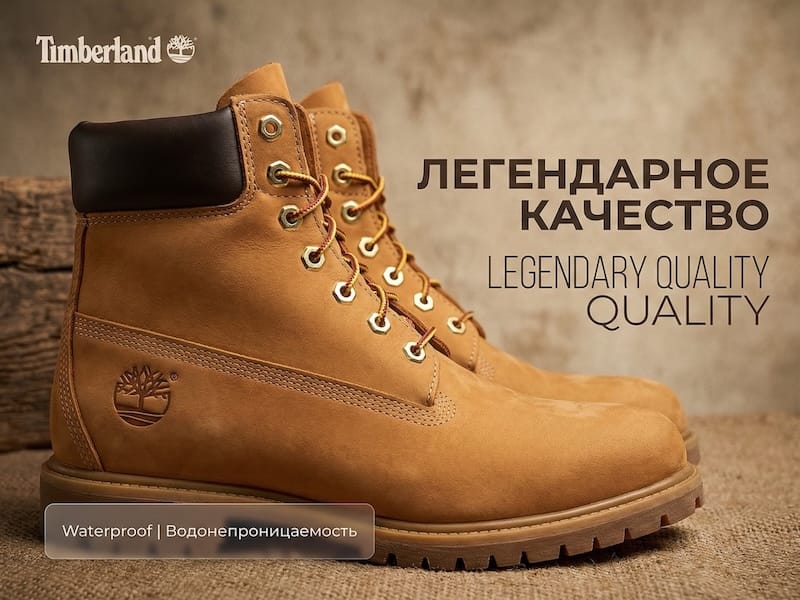
- AI product photography uses a product image plus a text or preset brief to generate new studio shots, lifestyle scenes, model photos, and ad creatives without a traditional photoshoot. You start from one SKU image and let the AI rebuild the scene, lighting, and composition around it.
- Is there a free way to try AI product photography?
- Yes. You can start creating AI product photos for free in VibeSKU, generate a few variations from your own SKU image, and only upgrade once a scene is worth pushing to your store or ads. It is the fastest way to see whether AI photography fits your catalog before you budget for a physical shoot.
- Are AI product photos allowed on Amazon?
- Amazon allows edited and AI-assisted images as long as the main image shows the real product on a pure white background (RGB 255,255,255), fills about 85% of the frame, and carries no text, logos, or watermarks. Use AI lifestyle and scene shots in the secondary image slots, and keep the main image accurate. Always confirm the result matches the item shoppers receive.
- Can I create lifestyle scenes and AI model photos?
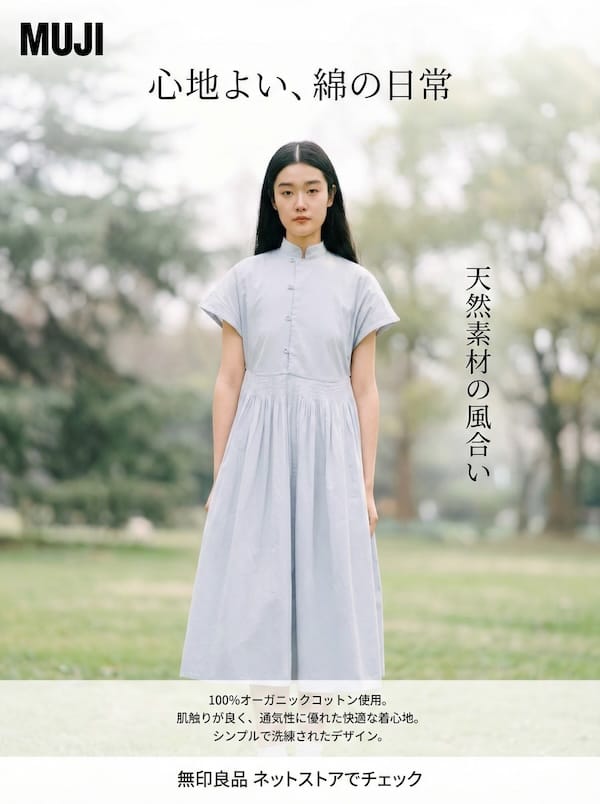
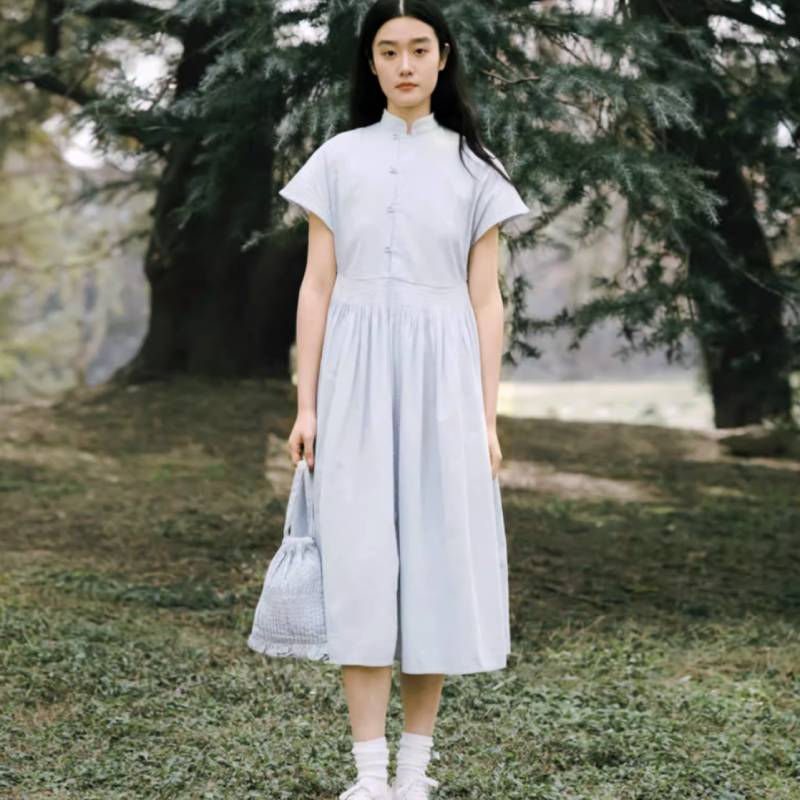
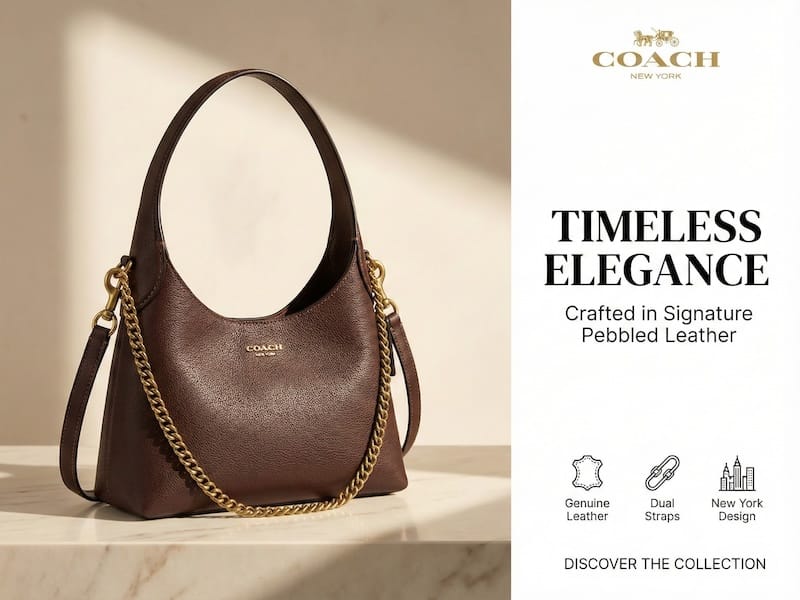
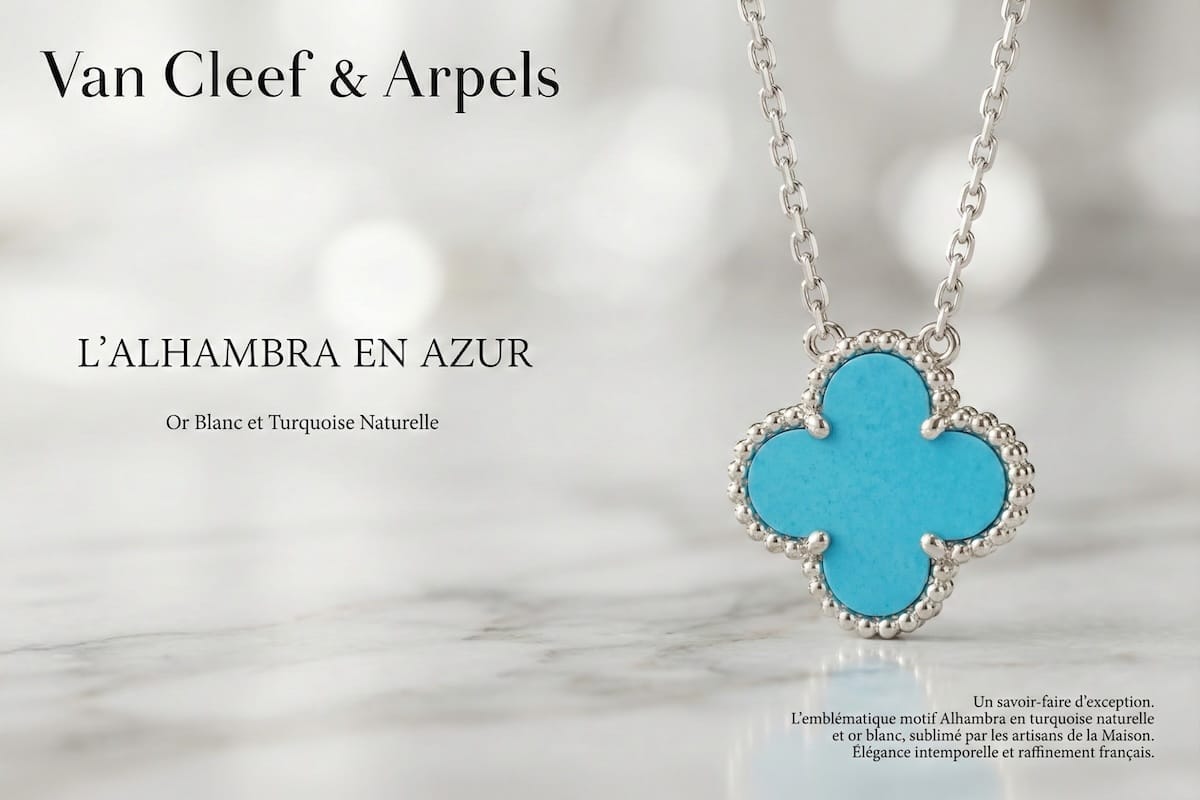
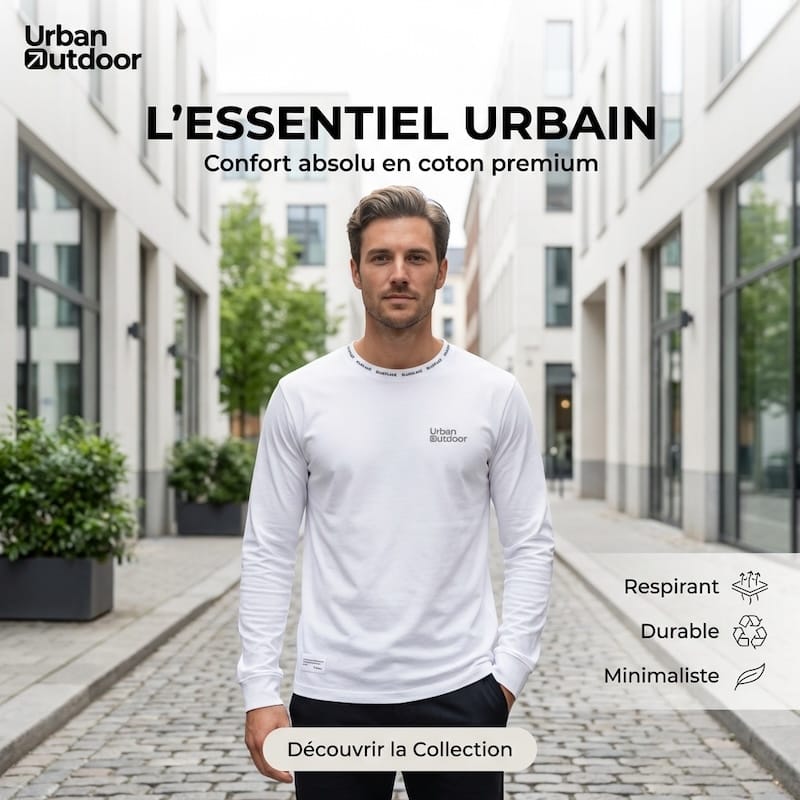
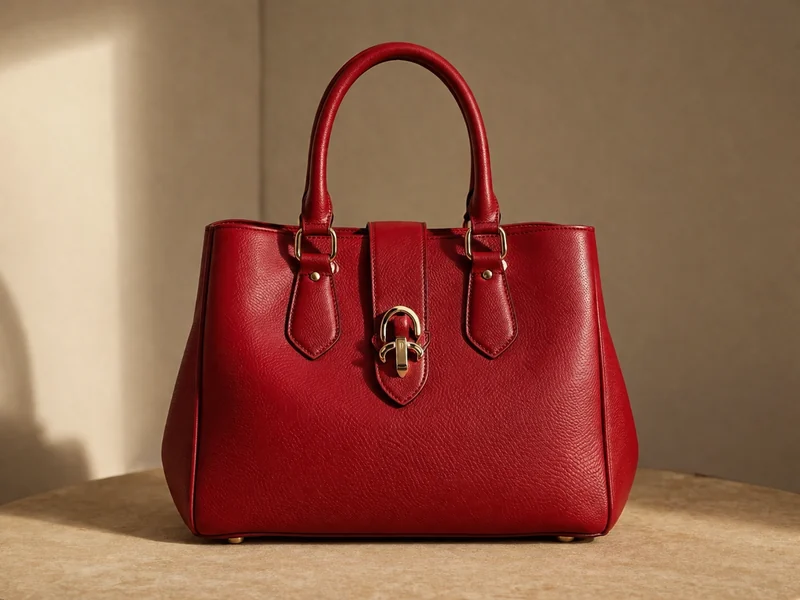
- Yes. Beyond clean studio shots you can place a product in a styled room, an outdoor setting, or a seasonal scene, and show apparel, bags, or accessories on an AI model so shoppers understand fit and scale. Lifestyle and model images work well as secondary listing photos and as scroll-stopping social ad creatives.
- What starting photo works best?
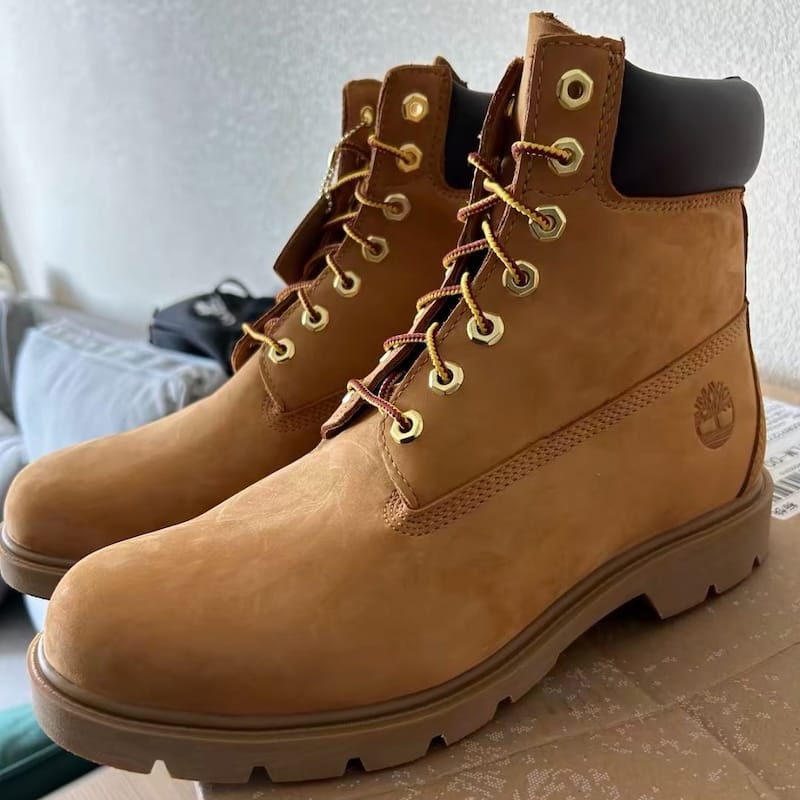
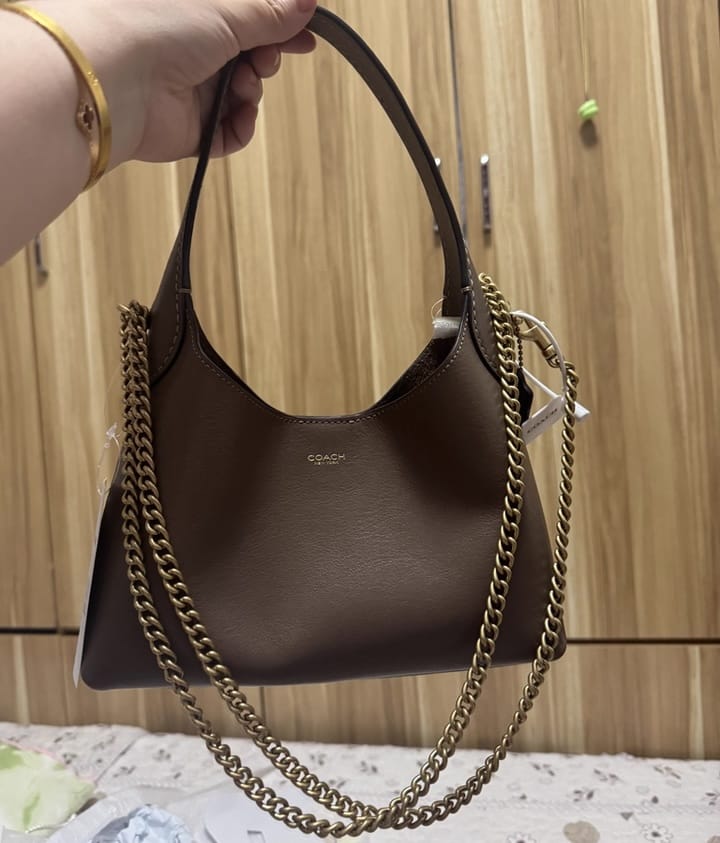
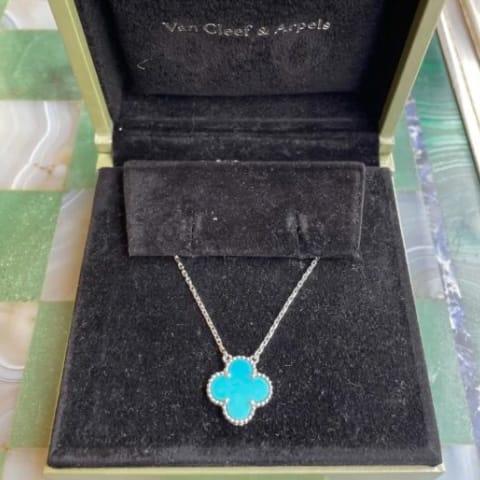
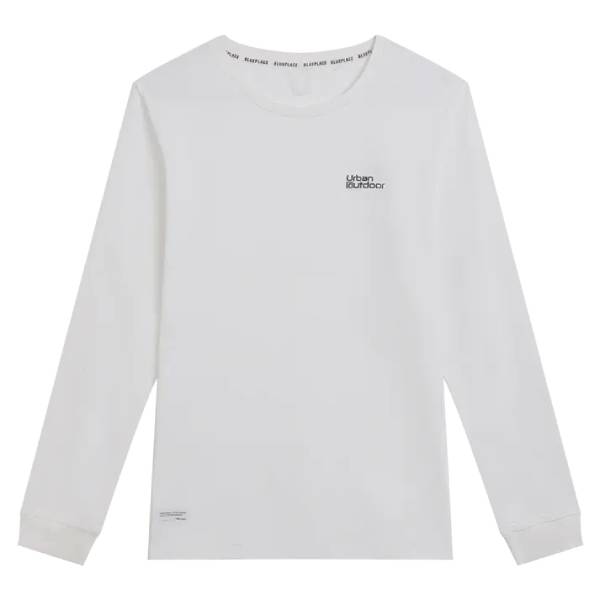
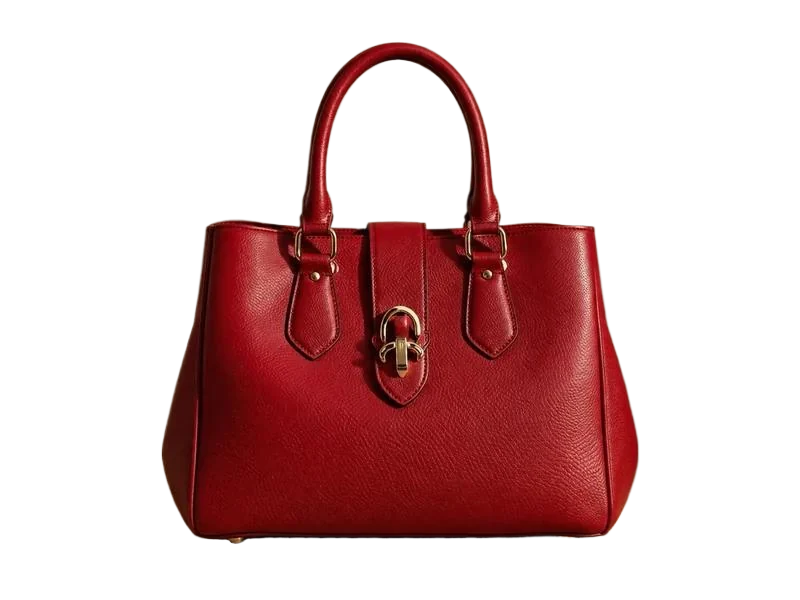
- A sharp, well-lit shot of the product on a plain background gives the AI the cleanest base to work from. Make sure logos, labels, and product edges are readable in the source image; the clearer the input, the more the generated scenes preserve your real product details.
- Will the AI change my actual product?
- The goal is to preserve the product while changing the environment, styling, model, and lighting. Because AI can still introduce artifacts, check logos, labels, edges, and key product details before you publish, and skip any variation that misrepresents color, texture, or size.
- Which channels can I use AI product photos for?
- Sellers use AI product photos for Shopify product pages, Amazon secondary images, Etsy and eBay listings, TikTok Shop, landing pages, paid social ads, and email campaigns. From one source SKU you can export square marketplace images, vertical short-video creatives, and banner formats.
- How does AI product photography reduce production costs?
- Instead of planning a new shoot for every scene, model, season, or ad test, you generate variations from one source SKU photo. That makes creative testing faster, keeps launch calendars moving, and lets you validate a concept before committing budget to physical production.