PixMiller PixMiller
AI product photos from a reference scene

Swap your product into a photo you love

Your product + a scene you like = your new product photo

Upload two images: your product, and a product photo whose scene you like. AI keeps the background, props, light and angle, and puts your product where the original one was.

  • Keeps the scene's background, props, light and composition
  • Text and logos from the reference are left out
  • 1 credit per image · failed images refunded

1 · Your product

2 · Reference scene

How it works

1 Upload your product A clear photo of the product, or bring over the cutout you just made with Background Remover.
2 Add a reference scene A product or lifestyle photo you own or have licensed. Its background, props and lighting are kept; its product is replaced.
3 Check and download Zoom in to check the label and details, then download the take you like.

Two photos in, one new photo out

Your product keeps its shape, color and label. The reference decides the setting, light and angle. Its original product is removed, along with any text or logos.

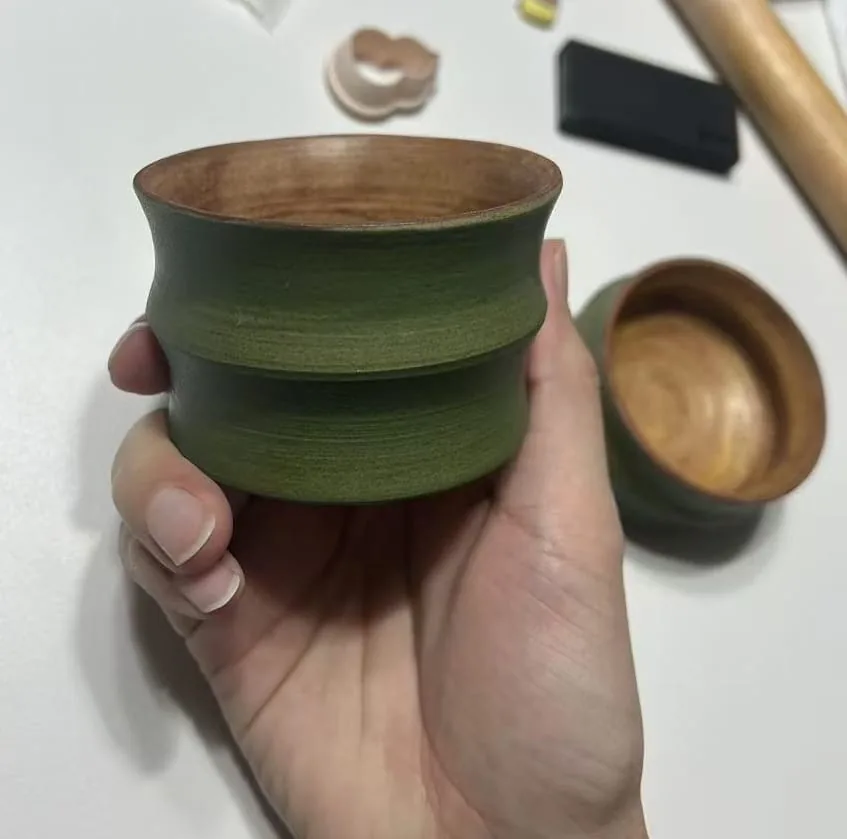
1 Your product A green wooden cup held in a hand
shape · color · label
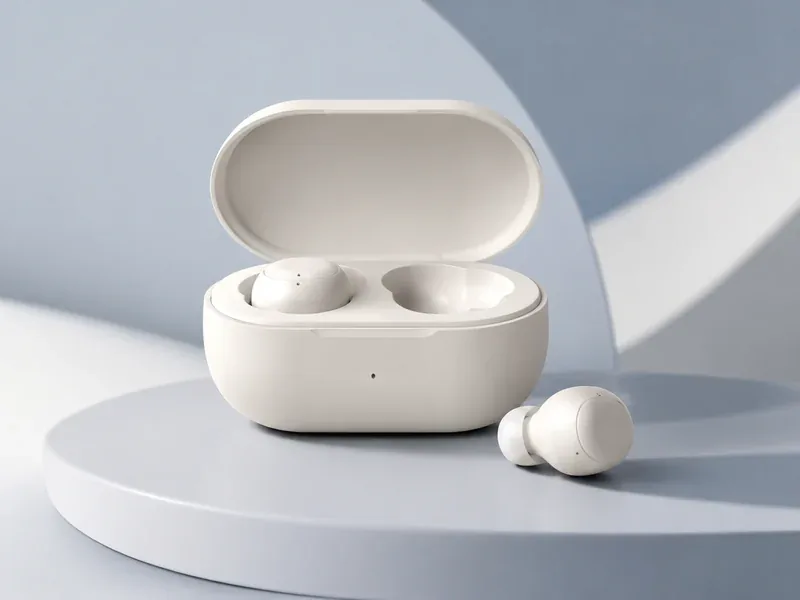
2 A scene you like Reference scene: earbuds on a light-blue podium
background · props · light Replaced: earbuds
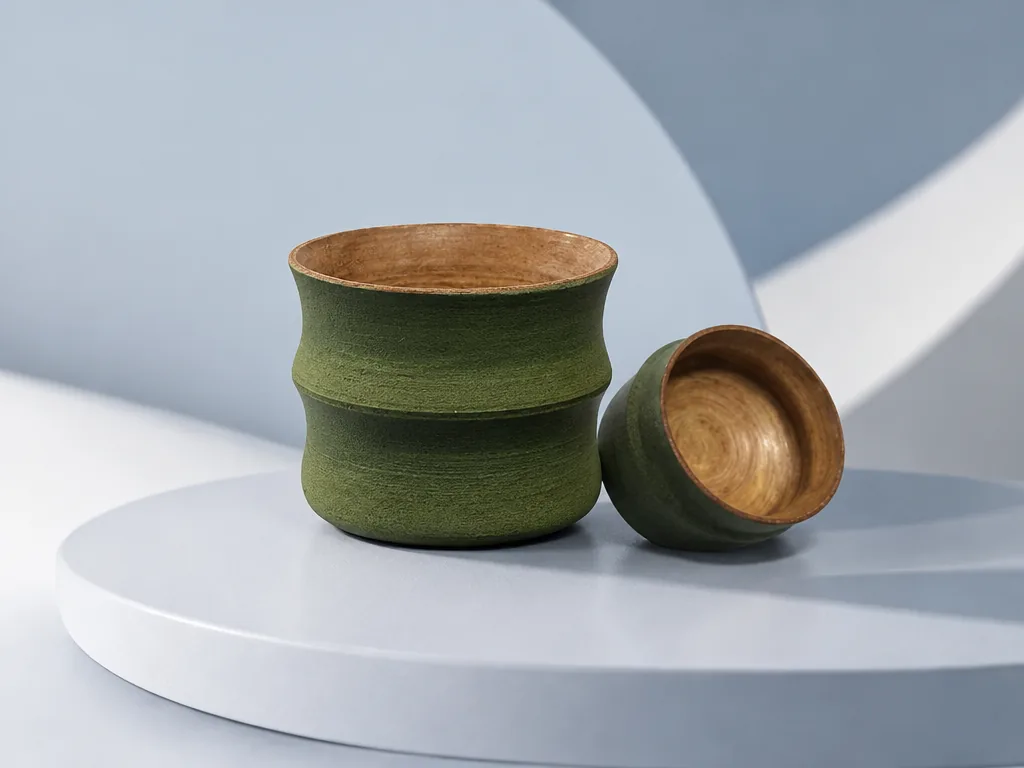
Your new photo The wooden cup on the light-blue podium
ready for gallery, ads, social
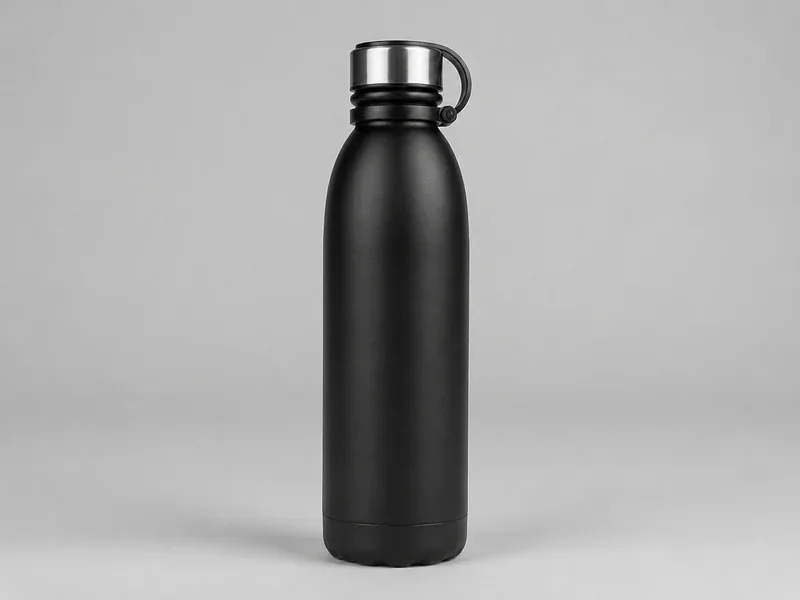
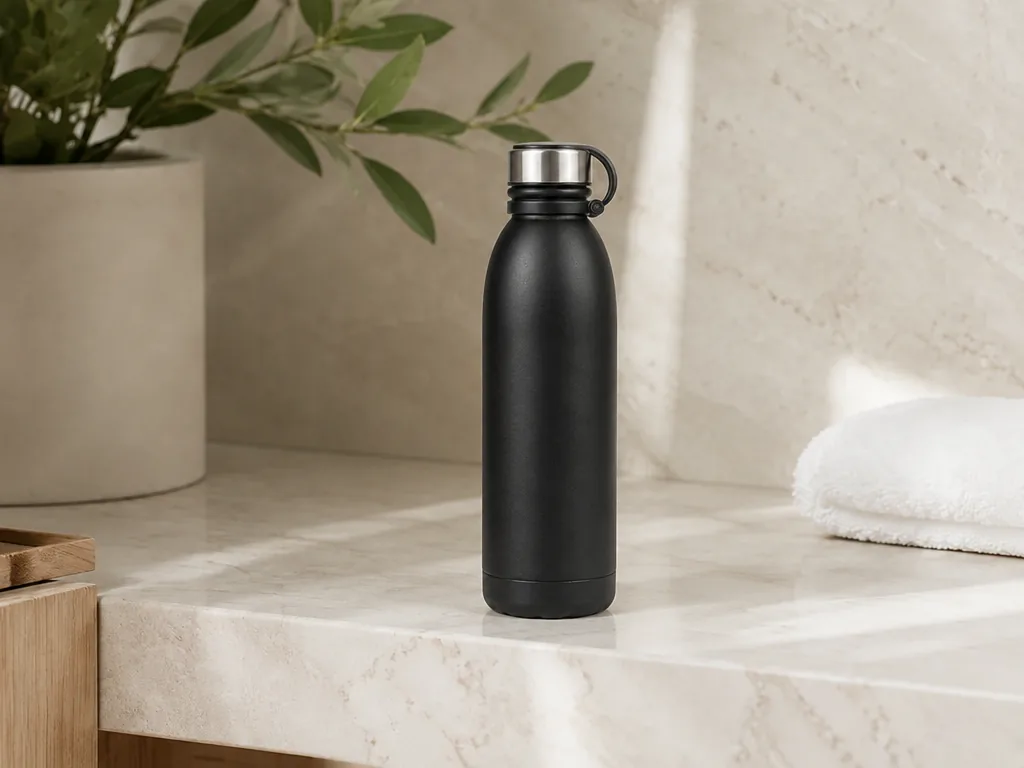
1 Your product A black insulated water bottle
shape · color · label
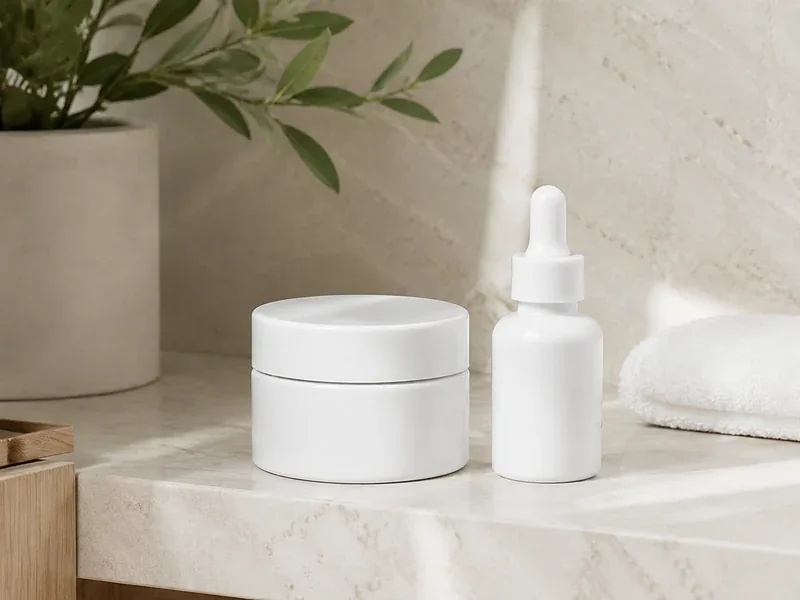
2 A scene you like Reference scene: skincare jars on a marble counter
background · props · light Replaced: skincare jars
Your new photo The water bottle on the marble counter
ready for gallery, ads, social

What sellers use it for

One look across your whole line Shot one photo you love? Reuse its scene for every SKU, flavor or color, so your store looks like one brand.
New product, no new shoot Put a new SKU or updated packaging into the scene from your last shoot and list it the same day.
Lifestyle shots for your listing gallery Add in-context images to your gallery, A+ content and store banners. Keep a white-background photo as the main image — make it with Background Remover.
More ad creatives to test Place your product in several scenes you own or have licensed, and see which one gets the click.
Seasonal and holiday versions Swap in a holiday or summer scene from your own library and keep the same product. Refresh without reshooting.
Posts that match your feed Use your own past posts as references, so new products fit your Instagram, Pinterest or Xiaohongshu feed.

Pricing

Each generated image costs 1 credit. Credits are charged when you click Generate, and any image that fails is refunded automatically.

Downloading your results is free. See credit packs →

Before you start

  • Use a reference with one main product of the same kind as yours and a similar shape and size. A very different shape can distort your product, and with several products the AI can't tell which one to replace.
  • Match the angle: a top-down reference needs a top-down product photo; front view goes with front view.
  • Show the whole product, uncropped and evenly lit, with the label facing the camera. A cutout with the background removed works best.
  • Only use reference images you have the right to use. Text, logos and watermarks in the reference won't appear in your result.

Frequently asked questions

What kind of reference image works best?

One main product of the same kind as yours, with a similar shape and size (a bottle for a bottle, a tube for a tube), shot from the same angle, sharp, and without large blocks of text in the picture.

Will my product's shape, color and label stay the same?

AI keeps your product's shape, color and label as close as it can, but the result is not a pixel-for-pixel copy of your photo — zoom in to check text and logos before you download. If the label has to be exact, use Background Remover to cut out your original product and place it on a background.

Can I use any photo as the reference?

Only photos you took yourself, licensed, or that are clearly cleared for commercial use. Your result keeps the reference's background, props and composition, so other people's ads or product photos can't be used. Text, logos and watermarks in the reference never appear in your result.

Can I use the result as my Amazon main image?

No. Amazon's main image must be an actual photo of the product on a pure white background. Scene images suit your listing gallery, A+ content and ads; make the white-background main image with Background Remover.

Can I use the cutout I made with Background Remover?

Yes. After removing a background, click “Put it in a reference scene” and your cutout is added here automatically.

How many credits does it cost?

Each generated image costs 1 credit, charged when you click Generate. If an image fails, its credits are refunded automatically.

Can I reopen a result later?

Yes. Every generation is listed in your task center, where you can reopen or download it for 72 hours.

You may also need