PixMiller PixMiller
Home / Tools / Ghost Mannequin Effect
AI image tool

Ghost Mannequin Effect

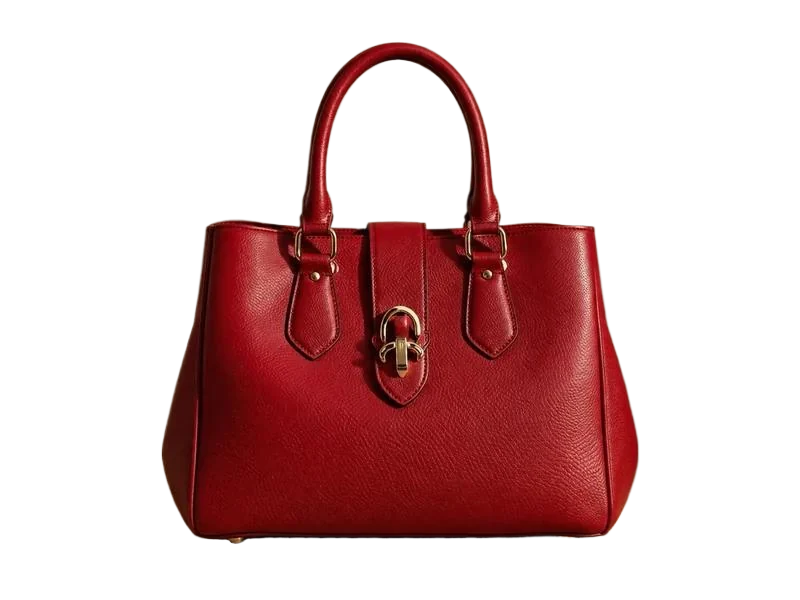
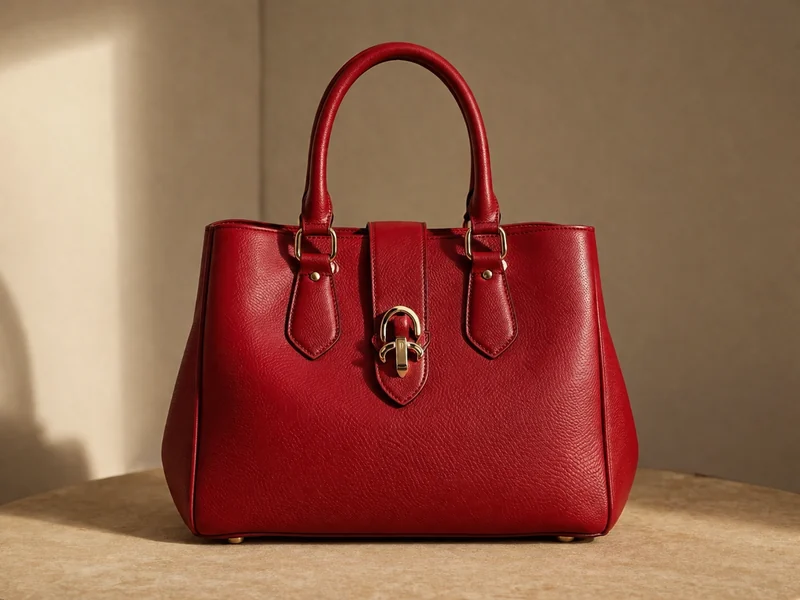
Get the hollow-body look without manual masking. PixMiller removes the mannequin while keeping the garment's structure and necklines, and blends front and back shots into a clean catalog visual that stays consistent across the season's drop.

After example image
Before example image
Before After

How it works

1 Upload your image Drag and drop or pick a file — JPG / PNG / WebP up to 20MB.
2 AI does the work Our AI processes your image automatically in just a few seconds.
3 Download the result Preview for free; download the finished, high-quality image.
Fast results Get publish-ready images in seconds, not hours.
Studio quality Clean edges and natural detail — no manual touch-ups needed.
Private & secure 256-bit SSL; images auto-delete within 3 days.

Where you can use it

Real scenarios where Ghost Mannequin Effect replaces a reshoot or hours of manual editing — and the tool that naturally comes next.

After example image
Before example image
Before After
Amazon / Taobao / Shopify sellers

White-background product shots — compliant on upload

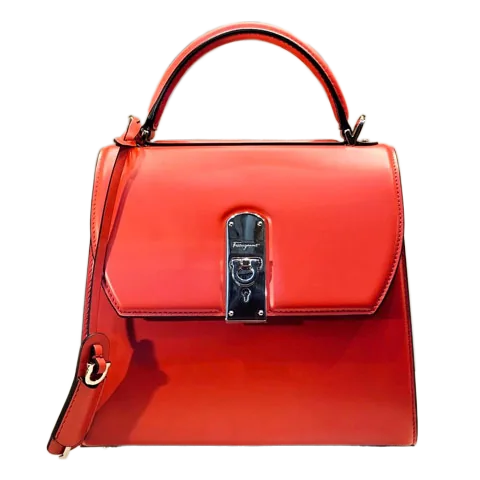
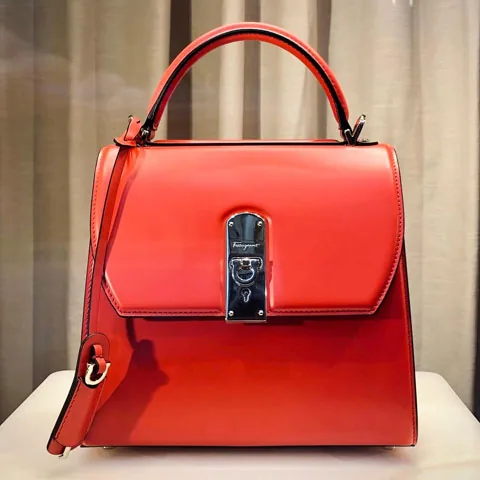
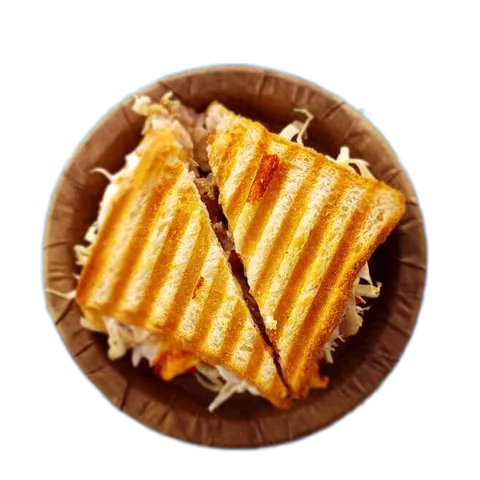
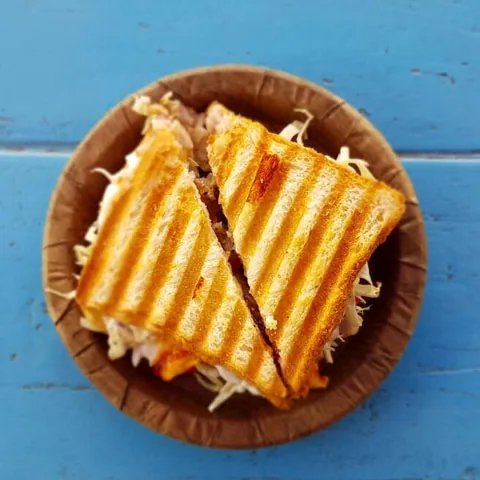
Marketplaces require a pure white main image, and reshooting is slow and expensive. Upload a product photo and PixMiller cuts out the subject onto a clean white background — crisp edges, no leftover halo — ready for every platform's main-image rules.

  • Meets Amazon subject-ratio and pure-white rules
  • Batch-process hundreds of SKUs
  • Export and list — no extra retouching
Next: erase stray objects and clutter with Object Eraser →
After example image
Before example image
Before After
Designers · marketers · content creators

Design assets and poster bases

Drop the transparent PNG straight into Photoshop, Canva or any design tool — it becomes a reusable design asset instantly, sparing you the repetitive outlining work. It works just as well on scanned signatures, logos and AI-generated art from tools like Midjourney — one pass turns any of them into a clean transparent cutout.

  • Transparent output — layers composite directly
  • Signatures, logos and AI art come out clean too
  • Lossless HD, ready for print and large format
Next: turn your cutout into stylized art with Portrait Stylizer →

Frequently asked questions

What is the ghost mannequin effect?

The ghost-mannequin (hollow-body) effect shows a garment with its natural shape but no visible model or mannequin. Upload your on-mannequin shot and PixMiller removes the mannequin while keeping the garment's structure, ready to composite front and back into a clean catalog image.

Can I remove a white background and make it transparent?

Yes. Upload the image and PixMiller lifts the subject off the white background automatically — you get a transparent PNG in seconds. It works just as well on solid colors, gradients and busy photo backgrounds.

Which image formats and sizes are supported?

JPG, PNG, WebP, BMP and HEIC/HEIF (iPhone photos) — up to 20MB per image and 5000px on the longest edge. HEIC and HEIF files convert automatically, so you can drop iPhone shots straight in.

Can I use the results commercially?

Yes. You own the rights to the results and can freely use them for e-commerce listings, ad campaigns and social media.

You may also need

After example image
Before example image
Before After
Try now
Background Remover Hot One-click background removal — transparent PNG
After example image
Before example image
Before After
Try now
ID Photo Maker Standard sizes & background colors, ready to use
After example image
Before example image
Before After
Try now
Object Eraser Brush away passersby, clutter and watermarks
Start using PixMiller today Get started free