PixMiller PixMiller
Home / Tools / Teacher Certification Photo Preset
AI image tool

Teacher Certification Photo Preset

Make a JPG using a PixMiller exam-photo preset and check the linked registration instructions before you pay. Some systems require an app photo or their own photo tool; a preset file is not an approval guarantee. Paid photos get one free redo within 30 days.

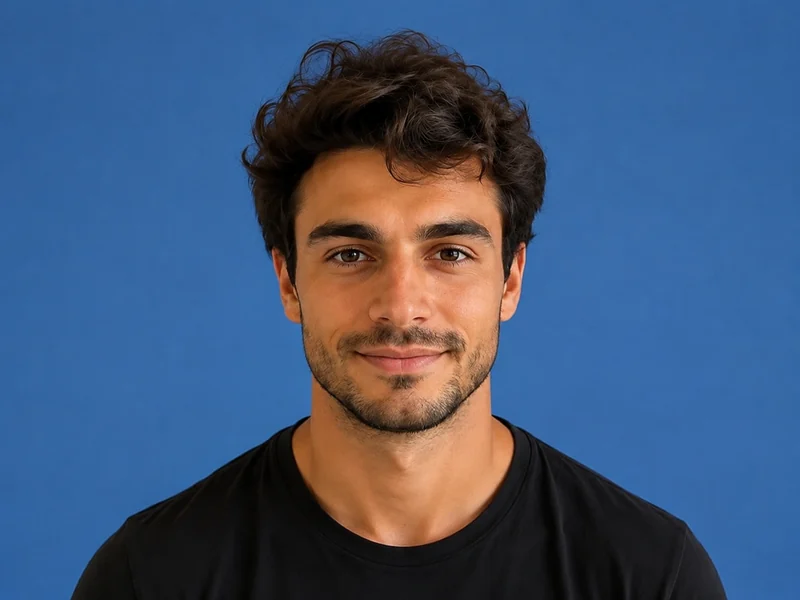
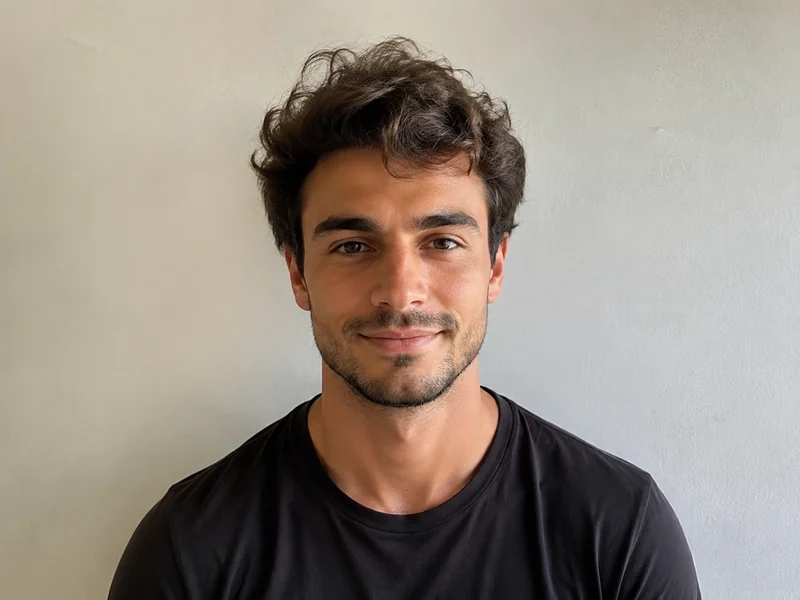
After example image
Before example image
Before After
PixMiller output preset and official guidance
Exam Pixels File size Background Format
Teacher certification NTCE registration instructions ↗ NTCE requires a white-background JPG/JPEG no larger than 200 KB; 390 × 567 pixels is a PixMiller output preset, not a nationwide pixel rule. 390 × 567 ≤ 200 KB White JPG

The dimensions shown are PixMiller output presets. Follow the linked current registration instructions; some systems require in-app capture or their own photo tool.

How it works

1 Upload your image Drag and drop or pick a file — JPG / PNG / WebP up to 20MB.
2 AI does the work Our AI processes your image automatically in just a few seconds.
3 Download the result Preview for free; download the finished, high-quality image.
Fast results Get publish-ready images in seconds, not hours.
Studio quality Clean edges and natural detail — no manual touch-ups needed.
Private & secure 256-bit SSL; images auto-delete within 3 days.

Frequently asked questions

What size and file size does the registration site require?

The table shows PixMiller's output preset, including any size cap it applies. That is not necessarily the registration system's rule. Check the linked current instructions for minimum dimensions, background, file size and upload method.

What if the registration site rejects my photo?

Redo it free. Any ID photo you paid for can be re-made once within 30 days — same spec or a different one — from the result page or your task centre. No ticket, no review.

Do I need a white wall to take the photo?

No. Upload a normal front-facing photo and PixMiller cuts you out and puts you on the plain white background exam registration asks for, then crops to the exact pixels.

Can I use the results commercially?

Yes. You own the rights to the results and can freely use them for e-commerce listings, ad campaigns and social media.

You may also need

After example image
Before example image
Before After
Try now
ID Photo Maker Standard sizes & background colors, ready to use
After example image
Before example image
Before After
Try now
Background Remover Hot One-click background removal — transparent PNG
After example image
Before example image
Before After
Try now
Portrait Stylizer Turn photos into anime, oil painting, 3D
Start using PixMiller today Get started free