PixMiller PixMiller
Home / Tools / Signature Background Remover
AI image tool

Signature Background Remover

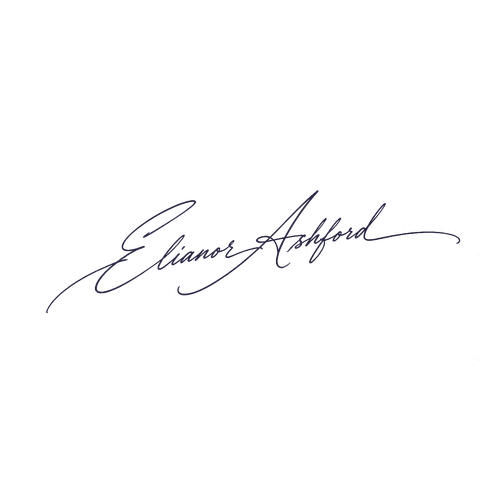
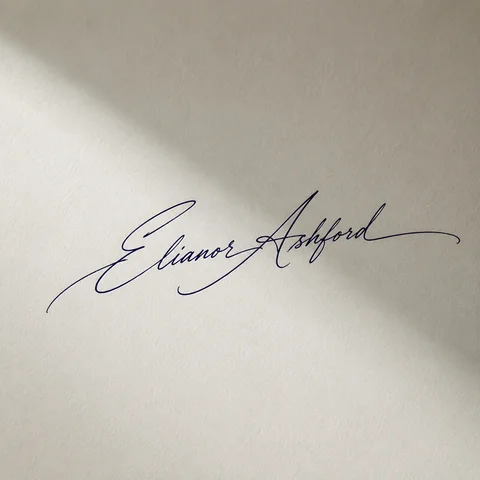
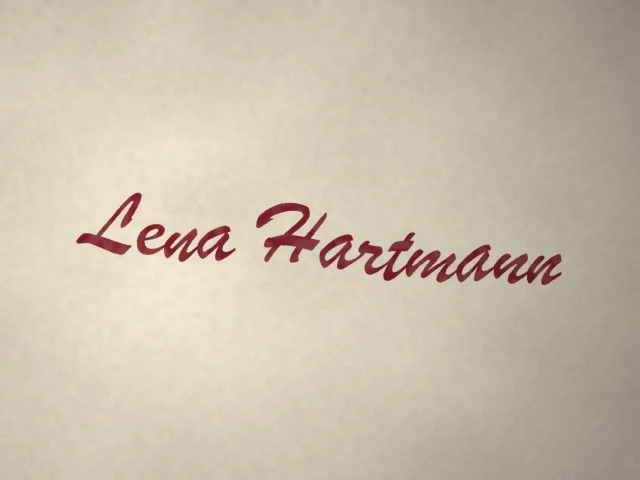
Upload a photo or scan of your signature and PixMiller strips the paper background automatically — no tracing needed. You get a clean transparent PNG ready to drop into contracts, PDFs and email signatures.

After example image
Before example image
Before After

How it works

1 Upload your image Drag and drop or pick a file — JPG / PNG / WebP up to 20MB.
2 AI does the work Our AI processes your image automatically in just a few seconds.
3 Download the result Preview for free; download the finished, high-quality image.
Fast results Get publish-ready images in seconds, not hours.
Studio quality Clean edges and natural detail — no manual touch-ups needed.
Private & secure 256-bit SSL; images auto-delete within 3 days.

Where you can use it

Real scenarios where Signature Background Remover replaces a reshoot or hours of manual editing — and the tool that naturally comes next.

After example image
Before example image
Before After
Designers · marketers · content creators

Design assets and poster bases

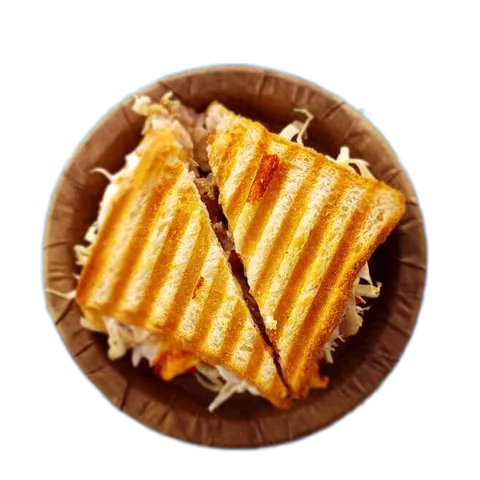
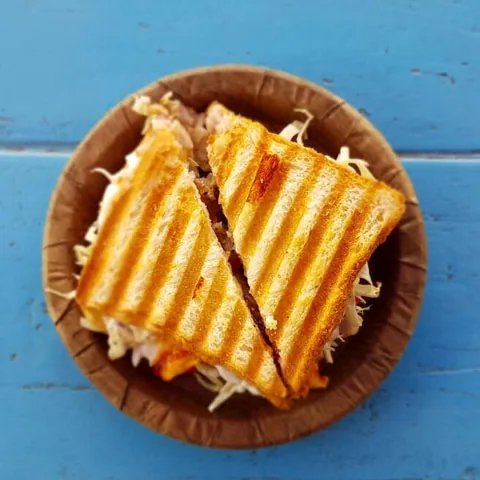
Drop the transparent PNG straight into Photoshop, Canva or any design tool — it becomes a reusable design asset instantly, sparing you the repetitive outlining work. It works just as well on scanned signatures, logos and AI-generated art from tools like Midjourney — one pass turns any of them into a clean transparent cutout.

  • Transparent output — layers composite directly
  • Signatures, logos and AI art come out clean too
  • Lossless HD, ready for print and large format
Next: turn your cutout into stylized art with Portrait Stylizer →

Frequently asked questions

Does it work on logos and AI-generated images?

Yes. PixMiller turns logos into transparent PNGs and cleanly removes backgrounds from AI-generated art — including images from Midjourney, DALL·E and Stable Diffusion — while keeping fine edges intact.

Can I remove a white background and make it transparent?

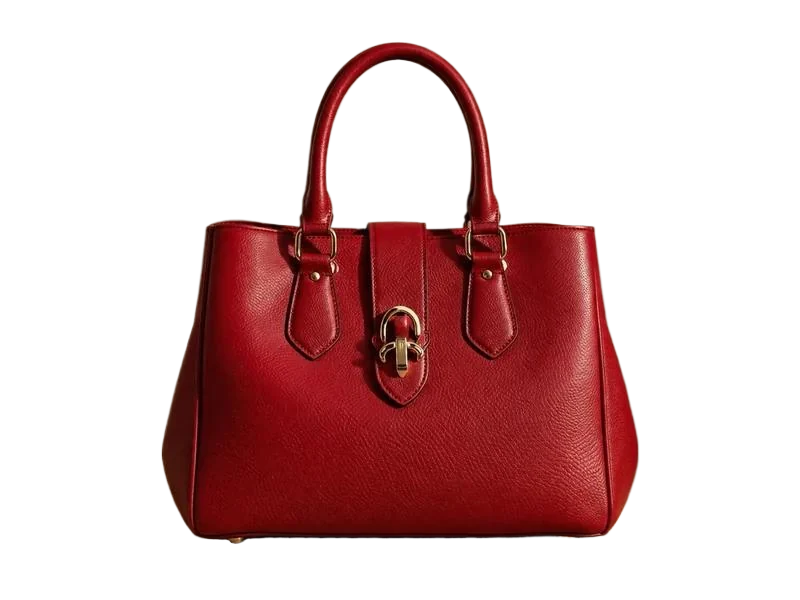
Yes. Upload the image and PixMiller lifts the subject off the white background automatically — you get a transparent PNG in seconds. It works just as well on solid colors, gradients and busy photo backgrounds.

Which image formats and sizes are supported?

JPG, PNG, WebP, BMP and HEIC/HEIF (iPhone photos) — up to 20MB per image and 5000px on the longest edge. HEIC and HEIF files convert automatically, so you can drop iPhone shots straight in.

Can I use the results commercially?

Yes. You own the rights to the results and can freely use them for e-commerce listings, ad campaigns and social media.

You may also need

After example image
Before example image
Before After
Try now
Background Remover Hot One-click background removal — transparent PNG
After example image
Before example image
Before After
Try now
Object Eraser Brush away passersby, clutter and watermarks
After example image
Before example image
Before After
Try now
Portrait Stylizer Turn photos into anime, oil painting, 3D
Start using PixMiller today Get started free