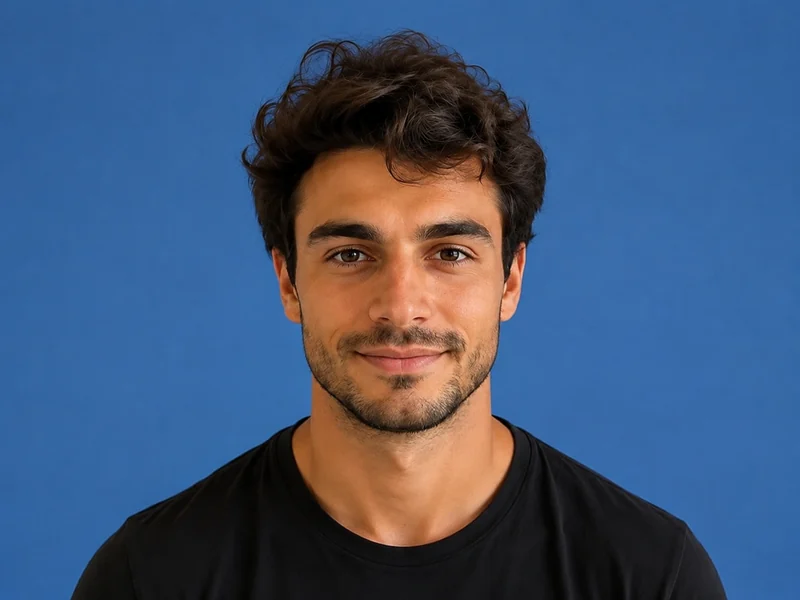
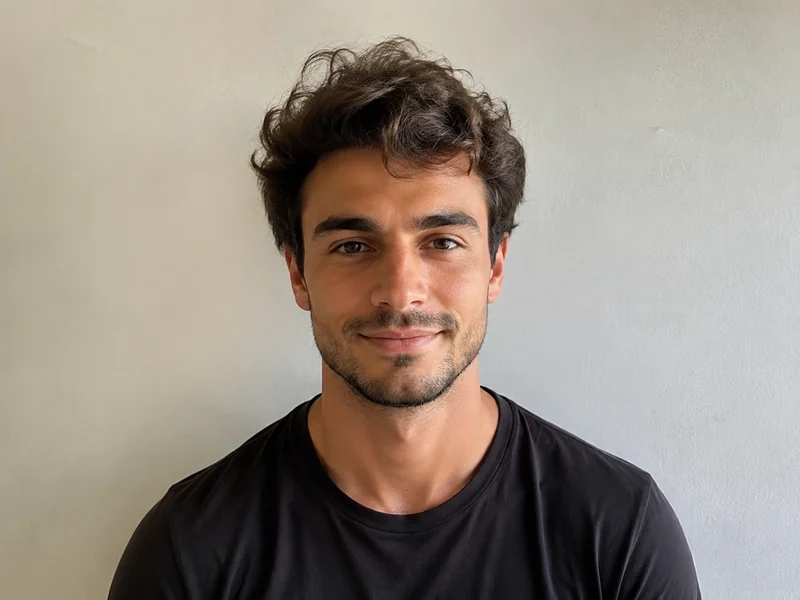
Make a JPG using a PixMiller exam-photo preset and check the linked registration instructions before you pay. Some systems require an app photo or their own photo tool; a preset file is not an approval guarantee. Paid photos get one free redo within 30 days.
| Exam | Pixels | File size | 배경 | 형식 |
|---|---|---|---|---|
| 대학원 입시 2027 postgraduate registration photo notice ↗ For 2027 registration, take and upload the photo in the Xuexin app. A prepared JPG is not the registration photo; 480 × 640 pixels is only a PixMiller preset. | 480 × 640 | — | 흰색 | JPG |
The dimensions shown are PixMiller output presets. Follow the linked current registration instructions; some systems require in-app capture or their own photo tool.
The official 2027 registration notice says to take and upload the photo in the Xuexin app. You do not need a prepared registration JPG. Use a white shooting background and follow the app's live guidance.
The table shows PixMiller's output preset, including any size cap it applies. That is not necessarily the registration system's rule. Check the linked current instructions for minimum dimensions, background, file size and upload method.
Redo it free. Any ID photo you paid for can be re-made once within 30 days — same spec or a different one — from the result page or your task centre. No ticket, no review.
네. 결과에 대한 권리를 소유하며 이커머스 리스팅, 광고 캠페인, 소셜 미디어에서 자유롭게 사용할 수 있습니다.
로그아웃 하시겠습니까?