PixMiller PixMiller
Home / Tools / Background Remover
AI Background Remover · Free to try 4.9 · 50,000+ creators & sellers on board

Remove image backgrounds in one click

AI erases the background in about 5 seconds and exports a clean transparent PNG — hair and soft edges stay crisp, no Photoshop needed.

Drag & drop an image here JPG / PNG / WebP / HEIC · up to 20 MB
No image? Try one of these
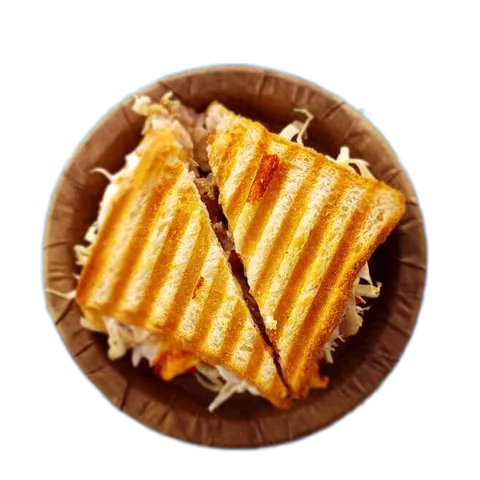
Cut-out result on the selected background colour
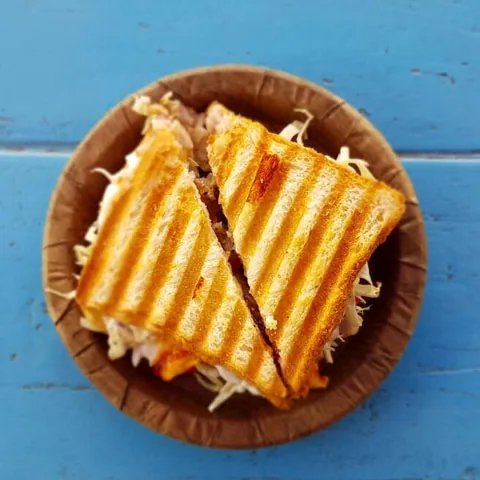
Original photo before background removal
Before After
Colour
Transparent White Light gray Light blue Brand blue Dark

By uploading an image, you agree to our Terms of Service and Privacy Policy. Uploads are auto-deleted within 3 days.

See it in action — background removal across different image types

Click any sample to watch it live — 99.8% edge precision on hair, fur and semi-transparent edges

How to use it

1 Upload an image Drag, paste or click to upload — or just pick one of the samples.
2 AI detects and erases the background No manual outlining — subject detection and edge handling are fully automatic.
3 Download a transparent PNG Preview download is free; an HD, watermark-free download costs just 1 credit.
99.8% edge precision Hair, fur and semi-transparent edges are handled automatically — no manual outlining.
Results in 5 seconds A single image finishes in about 5 seconds; the API batches 100+ images per minute.
Free to try Uploading and previewing are free; an HD watermark-free download costs just 1 credit.

Where you can use background removal

From e-commerce listings to social content, one background removal covers a dozen real scenarios. Here are the three most common — and the tool that naturally comes next.

After example image
Before example image
Before After
Amazon / Taobao / Shopify sellers

White-background product shots — compliant on upload

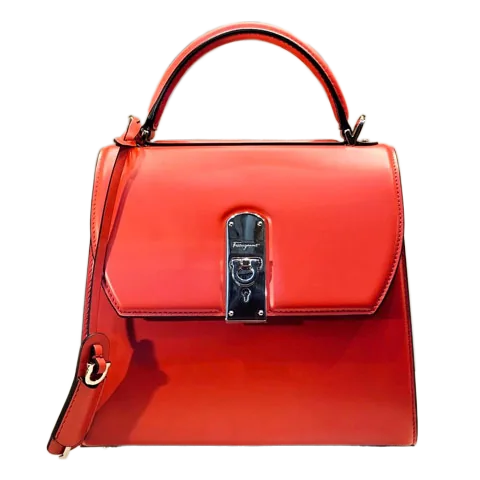
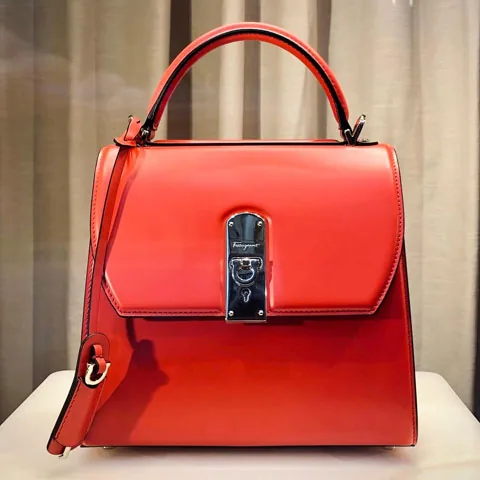
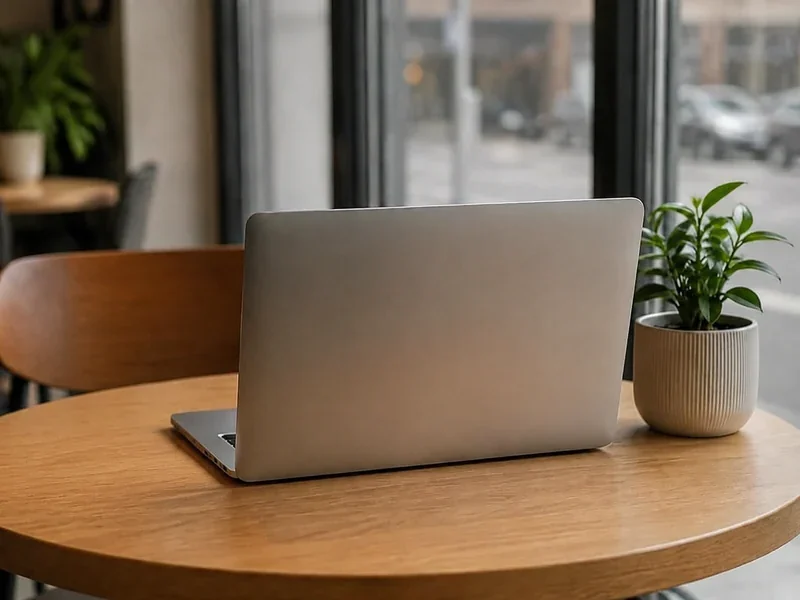
Marketplaces require a pure white main image, and reshooting is slow and expensive. Upload a product photo and PixMiller cuts out the subject onto a clean white background — crisp edges, no leftover halo — ready for every platform's main-image rules.

  • Meets Amazon subject-ratio and pure-white rules
  • Batch-process hundreds of SKUs
  • Export and list — no extra retouching
Next: erase stray objects and clutter with Object Eraser →
After example image
Before example image
Before After
Creators · streamers · community managers

Social avatars and stickers

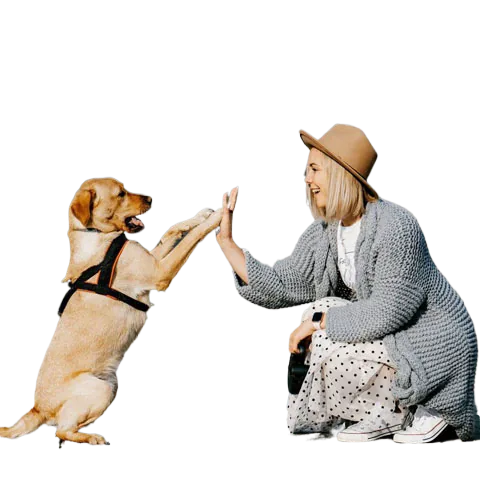
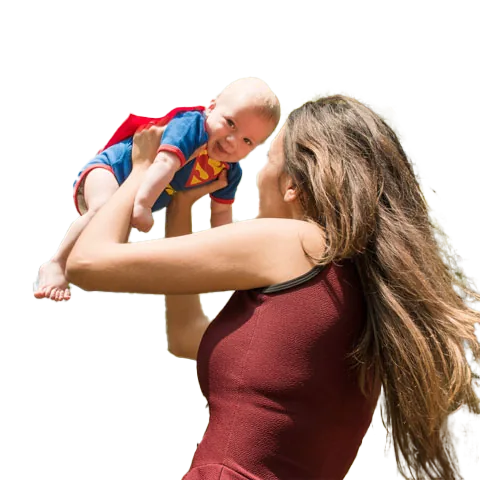
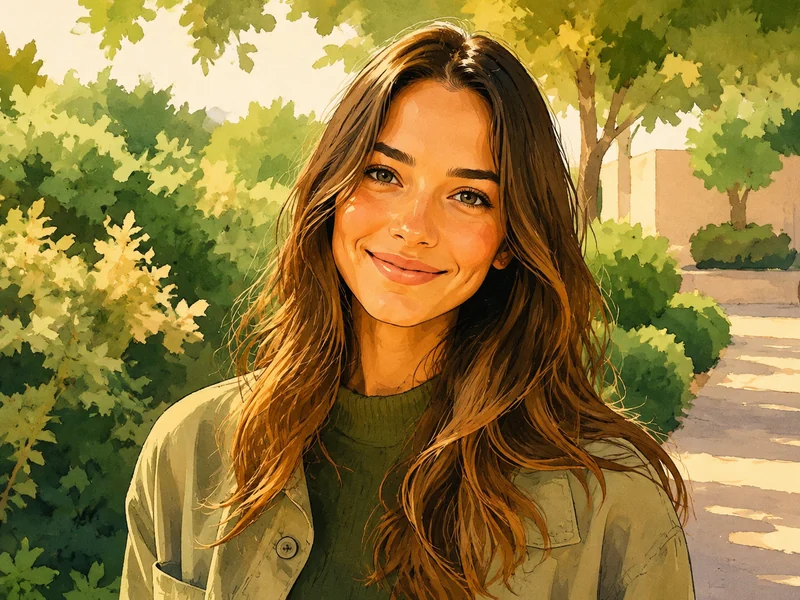
Cut out the portrait, then swap the background color or add an outline to make avatars, stickers and live-stream overlays. Hair-level edges with no fringing or leftover background blend naturally onto any backdrop.

  • One-click solid, gradient or scene backgrounds
  • Transparent PNG works straight away for stickers and emotes
  • Fits avatar sizes for every platform
Need an ID photo? Use ID Photo Maker for standard background colors →
After example image
Before example image
Before After
Designers · marketers · content creators

Design assets and poster bases

Drop the transparent PNG straight into Photoshop, Canva or any design tool — it becomes a reusable design asset instantly, sparing you the repetitive outlining work. It works just as well on scanned signatures, logos and AI-generated art from tools like Midjourney — one pass turns any of them into a clean transparent cutout.

  • Transparent output — layers composite directly
  • Signatures, logos and AI art come out clean too
  • Lossless HD, ready for print and large format
Next: turn your cutout into stylized art with Portrait Stylizer →

Frequently asked questions

Is the background remover free?

Yes — uploading and previewing are completely free. The free tier downloads a watermarked preview; a watermark-free HD download uses credits (1 image = 1 credit).

Which image formats and sizes are supported?

JPG, PNG, WebP, BMP and HEIC/HEIF (iPhone photos) — up to 20MB per image and 5000px on the longest edge. HEIC and HEIF files convert automatically, so you can drop iPhone shots straight in.

Can I remove the background from an iPhone HEIC or HEIF photo?

Yes. PixMiller reads Apple's HEIC and HEIF formats natively — just upload the iPhone photo and we convert it on the fly, then export a transparent PNG. No need to convert HEIC to JPG first.

What is the maximum output resolution?

Output matches your source resolution, up to 4096 × 4096, with zero quality loss.

Can I use the results commercially?

Yes. You own the rights to the results and can freely use them for e-commerce listings, ad campaigns and social media.

How do I make a signature background transparent?

Upload a photo or scan of your signature and PixMiller strips the paper background automatically — no tracing needed. You get a clean transparent PNG ready to drop into contracts, PDFs and email signatures.

Does it work on logos and AI-generated images?

Yes. PixMiller turns logos into transparent PNGs and cleanly removes backgrounds from AI-generated art — including images from Midjourney, DALL·E and Stable Diffusion — while keeping fine edges intact.

Can I remove a white background and make it transparent?

Yes. Upload the image and PixMiller lifts the subject off the white background automatically — you get a transparent PNG in seconds. It works just as well on solid colors, gradients and busy photo backgrounds.

Developer · API

Use the API to bring background removal into your own system

  • One POST request returns a transparent PNG — no SDK to install
  • Authenticate with a single X-Api-Key header
  • cURL, Python and Node samples ready to copy

Automate product photos, batch pipelines and integrations. Grab an API key and start removing backgrounds programmatically in minutes.

POST api.pixmiller.com/v1/remove
View API docs

You may also need

Try the background remover now Upload a Photo